

You have likely heard that coding is the new literacy. It sounds impressive, but it often feels like trying to read a book in a language you don’t speak. You stare at lines of colorful text on a black screen, and nothing makes sense. This confusion is normal. Every developer, from the engineers at Google to the indie game maker down the street, started exactly where you are right now.
The good news? You do not need a computer science degree to start building things. You just need a clear path. This programming tutorial cuts through the noise. We will skip the academic theory that puts people to sleep and focus on what actually works. By the end of this guide, you will know which language to pick, how to set up your workspace, and how to write your first functional program without getting stuck.
Choosing Your First Language
The biggest mistake beginners make is picking the wrong tool for the job. Imagine trying to build a house with a screwdriver when you need a hammer. In the coding world, languages are tools. Some are better for websites, others for data analysis, and some for mobile apps. For most beginners, we recommend starting with Python, which is a high-level programming language known for its readability and versatility.
Why Python? Because it reads almost like English. If you want to create a variable called 'age' and give it the value 25, you simply type `age = 25`. Compare that to Java or C++, where you have to declare types, create classes, and write boilerplate code just to print "Hello World." Python removes these barriers so you can focus on logic rather than syntax rules.
However, if your dream is specifically to build websites, JavaScript is the essential language for web development that runs in every browser. JavaScript powers the interactive parts of the web-the buttons that change color, the maps that zoom, and the forms that submit data. While Python is great for backend logic and data, JavaScript is the king of the frontend. You cannot avoid it if you want to be a web developer.
| Language | Best Used For | Learning Curve | Job Market Demand |
|---|---|---|---|
| Python | Data Science, AI, Backend Web | Low (Easy) | Very High |
| JavaScript | Web Development (Frontend & Backend) | Medium | Extremely High |
| HTML/CSS | Website Structure and Style | Very Low | High (Often paired with JS) |
| Java | Enterprise Apps, Android | High (Steep) | High |
Setting Up Your Development Environment
Before you write code, you need a place to write it. Years ago, programmers used simple text editors like Notepad. Today, we use Integrated Development Environments (IDEs) or advanced code editors. These tools highlight syntax, catch errors before you run them, and suggest code as you type.
I recommend downloading Visual Studio Code, commonly known as VS Code. It is a free, open-source code editor developed by Microsoft that supports hundreds of extensions. It is lightweight, fast, and has a massive community. When you install VS Code, it will look empty. Do not panic. You need to install extensions to make it useful for your chosen language. For Python, install the official Python extension. For JavaScript, you might add Prettier for formatting. These small additions save hours of debugging later.
You also need an interpreter or compiler. Think of this as the translator between human-readable code and machine-executable instructions. For Python, you download the interpreter from python.org. Once installed, you can open your terminal (Command Prompt on Windows, Terminal on Mac/Linux) and type `python --version` to check if it worked. If you see a version number, you are ready to go. If you get an error, double-check your installation steps. This step is crucial because without the interpreter, your code is just text files.
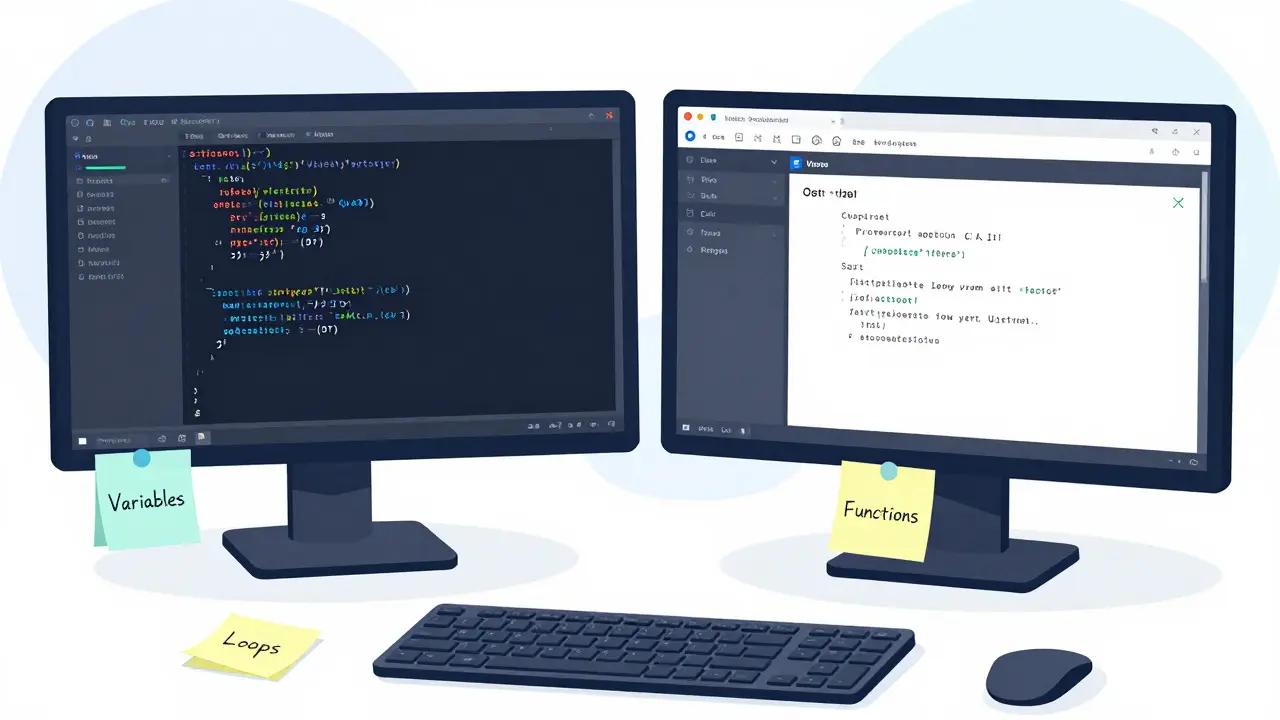
Understanding Core Concepts
Coding is not about memorizing commands. It is about solving problems using logic. Regardless of the language, every program relies on a few core concepts. If you master these, you can switch languages easily. Let’s break them down.
Variables are containers for storing data. Imagine a box labeled "Score". Inside, you put the number 10. Later, you can change the content to 20. In code, this looks like `score = 10`. Variables can hold numbers, text (strings), or true/false values (booleans). Understanding data types is key. You cannot multiply a word by a number. The computer needs to know what kind of data it is handling.
Conditionals allow your program to make decisions. They follow an "if-then" structure. If the score is greater than 100, then display "You Win!". Otherwise, display "Try Again". This logic drives almost every interactive application. Without conditionals, programs would be static and boring.
Loops automate repetitive tasks. Instead of writing the same line of code ten times, you tell the computer to repeat a block of code until a condition is met. For example, "Print numbers 1 through 10." Loops are powerful but dangerous if misused. An infinite loop happens when the exit condition is never met, freezing your program. Always test your loops carefully.
Functions are reusable blocks of code. If you calculate tax five times in your app, do not copy-paste the formula five times. Write a function called `calculate_tax()` once, and call it whenever needed. Functions keep your code clean and organized. They are the building blocks of larger applications.
Your First Program: Step-by-Step
Let’s put theory into practice. We will build a simple calculator in Python. This project covers variables, input, conditionals, and functions. Follow these steps:
- Create a file: Open Visual Studio Code and create a new file named `calculator.py`.
- Get user input: Use the `input()` function to ask the user for two numbers. Remember, `input()` returns text, so you must convert it to integers using `int()`.
- Define operations: Create a function for addition, subtraction, multiplication, and division.
- Add logic: Ask the user which operation they want. Use `if` statements to call the correct function.
- Handle errors: What if the user tries to divide by zero? Add a check to prevent the program from crashing.
Here is a simplified example of the logic:
def add(x, y):
    return x + y

num1 = int(input("Enter first number: "))
num2 = int(input("Enter second number: "))
print("Result:", add(num1, num2))
Run this code by opening your terminal in the folder containing the file and typing `python calculator.py`. If you see the prompt and get the correct sum, congratulations! You have written your first program. If you get an error, read the message carefully. Python tells you exactly which line caused the problem. This skill-reading error messages-is more valuable than knowing any specific command.

Avoiding Common Pitfalls
Even experienced developers hit roadblocks. Here are the most common traps for beginners and how to avoid them.
Tutorial Hell: This is when you watch endless videos but never write your own code. Watching someone else cook does not teach you how to chop onions. After every tutorial, pause and try to modify the code. Change the colors, add a feature, or break it on purpose to see what happens. Active experimentation beats passive consumption every time.
Ignoring Comments: Comments are notes in your code that the computer ignores but humans read. They explain why you made certain decisions. When you return to your code after three months, you will forget why you wrote that complex loop. Comment your code clearly. Good comments say "why," not "what."
Not Using Version Control: Git is a distributed version control system that tracks changes in source code during software development. It allows you to save snapshots of your project. If you break something, you can revert to a previous working state. Learn the basics of Git early. It is the industry standard. Pair it with GitHub to store your code online and showcase your projects to employers.
Building a Portfolio That Gets Noticed
Knowing how to code is one thing; proving it is another. Employers and clients want to see what you can build. Start small. Build a to-do list app, a weather dashboard, or a personal blog. These projects demonstrate practical skills.
As you improve, tackle more complex challenges. Participate in hackathons or contribute to open-source projects. Platforms like GitHub allow you to share your code publicly. A clean, well-documented repository is worth more than a resume listing "proficient in Python." Show your work. Explain the problems you solved and the technologies you used. This narrative context helps reviewers understand your thought process.
Remember, mastery takes time. You will encounter bugs that frustrate you for days. You will feel stupid sometimes. This is part of the journey. Every expert was once a beginner who refused to quit. Keep coding, keep breaking things, and keep fixing them. That is the art of programming.
How long does it take to learn coding?
It depends on your goals. To learn the basics of a language like Python, you might spend 4-8 weeks studying consistently. To become job-ready as a junior developer, expect 6-12 months of dedicated practice and project building. Mastery is a continuous process that lasts years.
Do I need math skills to code?
For general web development and basic scripting, basic arithmetic is sufficient. However, fields like data science, machine learning, and game development require stronger mathematical foundations, including statistics, linear algebra, and calculus.
Is Python still relevant in 2026?
Yes, Python remains one of the most popular languages globally. Its dominance in artificial intelligence, data analysis, and backend web development ensures strong demand for skilled Python developers.
What is the best way to practice coding daily?
Consistency matters more than intensity. Spend 30-60 minutes daily solving problems on platforms like LeetCode or HackerRank, or working on a personal project. Building real-world applications reinforces concepts better than abstract exercises alone.
Can I learn coding without a computer science degree?
Absolutely. Many successful developers are self-taught or graduated from coding bootcamps. Employers prioritize practical skills and portfolio projects over formal degrees. Online resources, documentation, and community support make self-learning highly viable.