
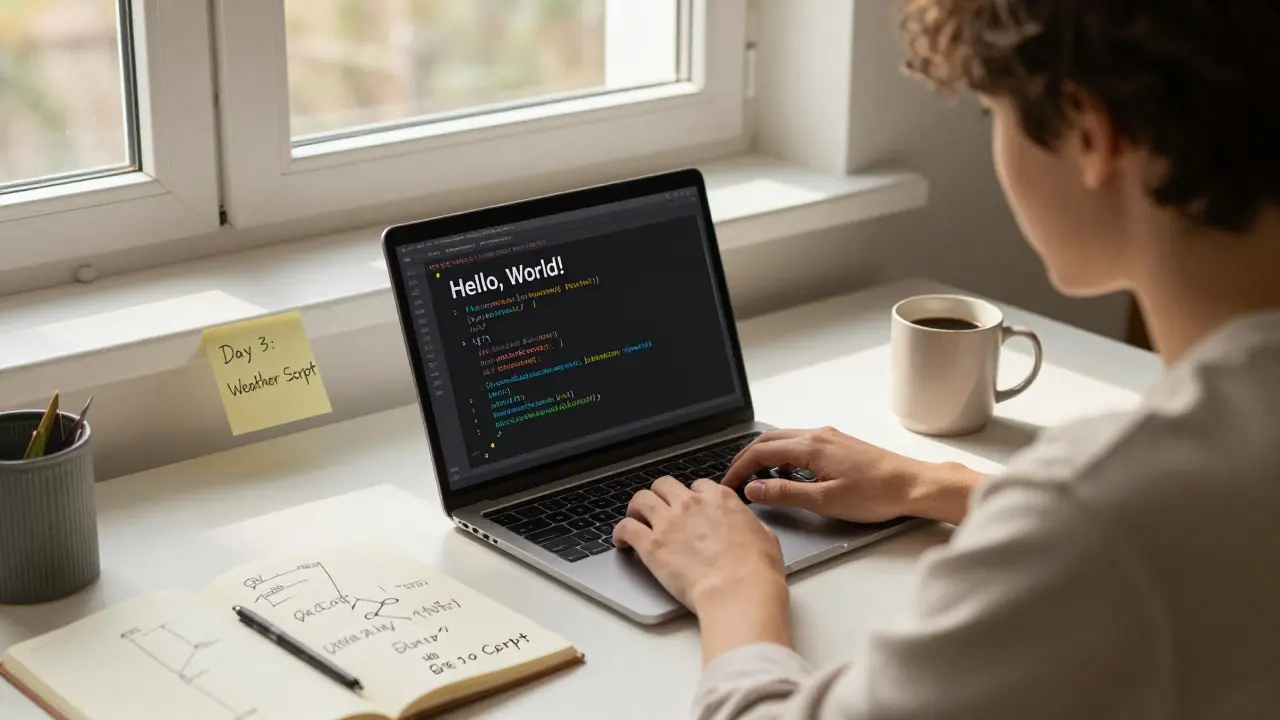
Want to learn programming but don’t know where to start? You’re not alone. Millions of people begin every year, but only a fraction stick with it long enough to get real results. The problem isn’t talent. It’s direction. Most tutorials throw you into syntax without explaining why any of it matters. This guide cuts through the noise. It’s not about memorizing commands. It’s about building a clear, realistic path from zero to confident developer.
Start with a Purpose, Not a Language
Don’t pick a programming language because it’s popular. Pick one because it solves a problem you care about. Want to build mobile apps? Start with Swift (iOS) or Kotlin (Android). Dream of websites that load fast and work everywhere? Begin with JavaScript and HTML. Interested in data, automation, or AI? Python is your best first step. Each language opens a different door. Choose the one that leads to the room you want to enter.
Here’s the truth: Python powers 40% of all AI projects and runs most of the web’s backend systems. JavaScript runs on over 98% of websites. If you’re unsure, start with Python. It reads like plain English. You can write a working script in under 10 minutes. That early win keeps you going.
Build Something Tiny, Every Day
Learning to code is like learning to cook. Watching videos won’t make you a chef. You need to chop onions, burn toast, and adjust seasoning until it tastes right. The same goes for programming. Your goal isn’t to finish a course. It’s to build something-anything-every single day.
Day 1: Print your name. Day 2: Make a calculator that adds two numbers. Day 3: Write a script that tells you the weather using a free API. Day 4: Create a to-do list that saves items to your browser. These aren’t impressive projects. But they’re real. And they teach you more than any lecture.
Use free tools like Replit or CodePen. No downloads. No setup. Just type and run. When you hit a wall, Google the exact error message. Stack Overflow isn’t a last resort-it’s your daily assistant. Most developers spend half their time reading other people’s code and fixing errors. You’re not broken if you get stuck. You’re doing it right.
Learn How Computers Think, Not Just How to Type
Programming isn’t typing commands. It’s breaking problems into steps a machine can follow. Think of it like giving directions to someone who has no common sense. If you say, “Go to the store,” they’ll stand there waiting for more. You need to say: “Walk 300 meters south. Turn left at the red light. Enter the building on the right. Go to aisle 5. Pick up milk. Pay at the counter.”
That’s logic. That’s algorithms. That’s what you’re really learning. Start with simple ideas: loops, conditions, variables. Practice them with pen and paper. Draw out how a program flows. What happens if the user enters a letter instead of a number? What if the file doesn’t exist? Anticipating failures is half the job.
Try this: Write down how you make coffee. Now turn it into code. “If water level is low, refill. If coffee grounds are gone, buy more. Heat water to 96°C. Pour over grounds. Wait 4 minutes.” That’s programming. You’re not learning Python-you’re learning how to think clearly.
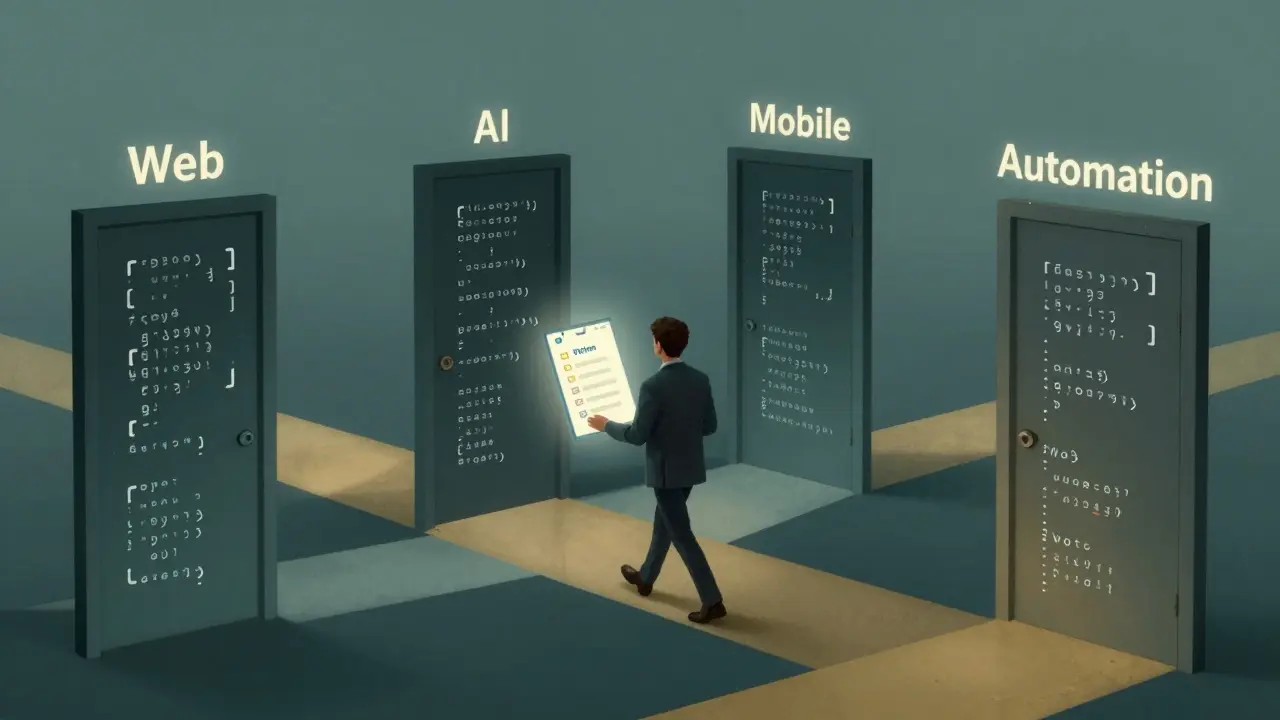
Find Your First Project (And Finish It)
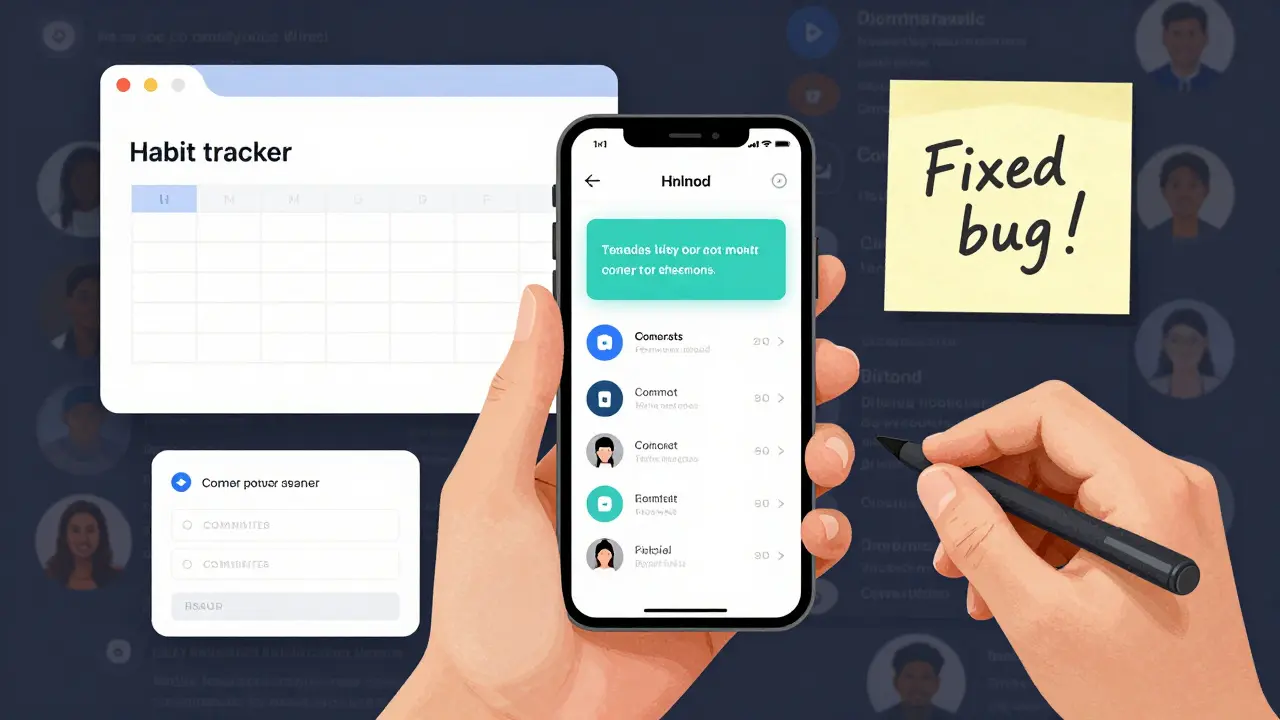
After a few weeks of daily tiny builds, pick one project you actually want to finish. Not something vague like “build an app.” Something specific: “A habit tracker that sends me a text every night if I forgot to log my water intake.”
Use free tools to make it real. Twilio for text messages. Google Sheets to store data. JavaScript to run it in your browser. You don’t need fancy frameworks. You don’t need to know everything. You just need to connect a few pieces.
Finish it. Even if it’s ugly. Even if it crashes sometimes. A working, messy project is worth ten perfect tutorials. It proves you can solve a problem from start to finish. That’s the skill employers care about-not which framework you’ve memorized.
Stop Watching Tutorials. Start Breaking Things.
Tutorials are safe. Real coding isn’t. You’ll delete the wrong file. You’ll break the whole app. You’ll spend three hours fixing a missing semicolon. That’s normal. That’s how you learn.
Here’s a rule: Every time you follow a tutorial, change one thing. Change the color. Change the name. Add a button. Break it on purpose. Then fix it. That’s when real understanding clicks. You’re not copying-you’re experimenting.
Use GitHub to save your work. It’s free. It’s public. It’s your portfolio. Even if your code is messy, showing progress over three months tells a story no resume can.
Join a Community-But Don’t Wait for Permission
You don’t need a degree. You don’t need to be invited. You just need to show up. Join a local coding meetup. Find a Discord server for beginners. Ask questions. Answer them when you can. People who’ve been where you are will help. But only if you ask.
Don’t wait until you’re “ready.” You’ll never feel ready. Show your code. Say, “I don’t know why this isn’t working.” Someone will reply. That reply might save you a week of frustration.
In Sydney, there are weekly free coding nights at libraries and co-working spaces. Online, communities like r/learnprogramming and Dev.to are full of people who’ve been stuck-and got unstuck. You’re not alone.
What Comes After the First 100 Hours?
After you’ve built five small projects, finished one real one, and survived a few bugs that made you want to quit-you’re no longer a beginner. You’re a developer. Now what?
Start specializing. Want to work with data? Learn SQL and Pandas. Interested in websites? Dive into React or Vue. Curious about automation? Learn how to control your computer with Python scripts. Pick one direction. Go deeper.
Don’t chase every new tool. The tech world loves hype. But the fundamentals don’t change. Variables, functions, loops, data structures, debugging. Master those, and you can learn any new framework in a week.
Build a personal website to show your projects. Write a short blog post explaining how you solved a problem. That’s how you stand out. Employers don’t hire people who know the most languages. They hire people who solve problems-and can explain how.
Final Reality Check
This isn’t a 30-day miracle. It’s a 6-month journey. You’ll have days you hate coding. You’ll feel like you’re not progressing. That’s normal. Progress isn’t linear. Some weeks you’ll learn nothing. Other weeks, everything will click.
Track your effort, not your results. Did you code today? Did you fix one bug? Did you ask one question? That’s enough. Keep showing up. The skill compounds. One hour a day becomes 365 hours a year. That’s more than most college courses.
You don’t need to be the smartest person in the room. You just need to be the one who keeps trying. The world needs more people who can turn ideas into working tools. Start small. Stay consistent. Build something real. You’ve got this.
Do I need a computer science degree to become a programmer?
No. Most professional developers today learned on their own. Employers care more about what you can build than what degree you hold. A portfolio of real projects, even small ones, proves your skills better than a diploma. Many companies now test coding ability through take-home assignments or live problem-solving-not resumes.
How much time should I spend coding each day?
One hour a day is enough to make steady progress. Consistency beats intensity. Coding for 30 minutes every day for six months will get you further than cramming 10 hours on weekends once a month. Use that time to build something, not just watch videos. Even 15 minutes of fixing a bug or writing one function adds up.
Which programming language should I learn first?
Start with Python if you’re unsure. It’s used in web development, data analysis, automation, and AI. It’s readable, forgiving for beginners, and has massive community support. If you want to build mobile apps, choose Kotlin (Android) or Swift (iOS). For websites, JavaScript is unavoidable. Pick based on what you want to make, not what’s trending.
I keep getting stuck on errors. What should I do?
Copy the exact error message and paste it into Google. Stack Overflow has answers for 90% of beginner errors. Read the top result-even if it’s long. Often, the fix is a missing comma, wrong file path, or outdated library. Don’t skip reading the error. It’s telling you exactly what went wrong. Learning to read errors is half the battle.
Can I learn programming while working full-time?
Yes. Many developers learned while working other jobs. Use small windows: 20 minutes during lunch, 30 minutes after dinner. Focus on building tiny projects. You don’t need hours. You need persistence. One project every two weeks, even if it’s simple, will get you further than passive learning for hours.