
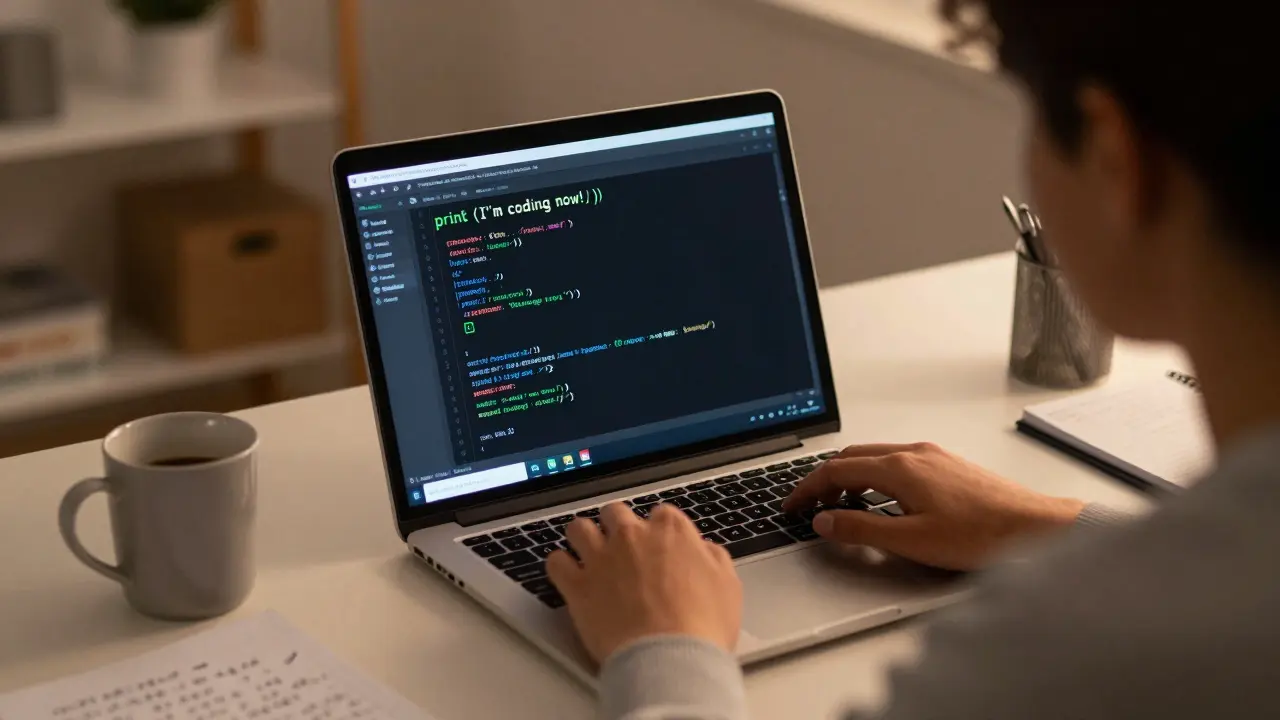
If you're a tech enthusiast who's never written a line of code but wants to build something real-whether it's a website, an app, or an automation that saves you hours-this is your starting point. No fluff. No theory-heavy lectures. Just what you actually need to begin coding and feel confident doing it by the end of this guide.
What Programming Really Means (And Why It’s Not Scary)
Programming isn’t about memorizing syntax or being a math genius. It’s about telling a computer exactly what to do, step by step. Think of it like giving directions to someone who takes every word literally. If you say, "Go to the store," they’ll stand there until you specify: which store? What time? What do you want to buy? That’s programming.
Modern programming languages are designed to be readable. Python, for example, lets you write print("Hello, world!") and it just works. No complicated brackets, no memory management headaches. It’s why over 80% of beginners today start with Python-not because it’s "the best," but because it’s the easiest to get results with.
Choose Your First Language: Python
You don’t need to learn five languages to get started. Pick one and stick with it until you can build something meaningful. For tech enthusiasts, Python is a high-level programming language known for its simplicity, readability, and wide use in web development, data analysis, and automation. Also known as Python 3, it was first released in 1991 and now powers everything from Instagram’s backend to NASA’s data pipelines.
Why Python? Because you can automate your phone backups, scrape weather data, or build a personal dashboard-all with under 50 lines of code. Other languages like JavaScript or Java are great too, but they demand more setup and context before you see results. Python gives you instant feedback. That’s motivation.
Set Up Your Environment in Under 10 Minutes
You don’t need fancy tools. Start simple:
- Go to python.org and download Python 3.12 (the latest stable version as of 2026).
- Install it. On Windows or macOS, just click "Next" through the wizard. Check "Add to PATH" if asked.
- Open your terminal (Command Prompt on Windows, Terminal on Mac) and type
python --version. If you see "Python 3.12.x," you’re good. - Install VS Code-it’s free, lightweight, and used by 70% of professional developers. Download it from code.visualstudio.com.
- Open VS Code, create a new file, save it as
hello.py, and type:print("I’m coding now!"). - Run it by clicking the green play button or pressing F5.
You just ran your first program. That’s it. You’re a programmer now.
Learn by Doing: Build Three Mini-Projects
Reading tutorials won’t stick. Building things will. Here are three simple projects that teach you core concepts:
- 1. A To-Do List App - Learn variables, lists, and loops. Store tasks in a Python list, let users add or remove them, and print the list. No database needed. Just a text-based app you can run in your terminal.
- 2. A Weather Checker - Use the OpenWeather API is a free web service that provides current weather data and forecasts for any location worldwide. It requires an API key, which you can get in under 2 minutes at openweathermap.org. Write a script that asks for a city name and returns the current temperature. This teaches you how to fetch data from the internet.
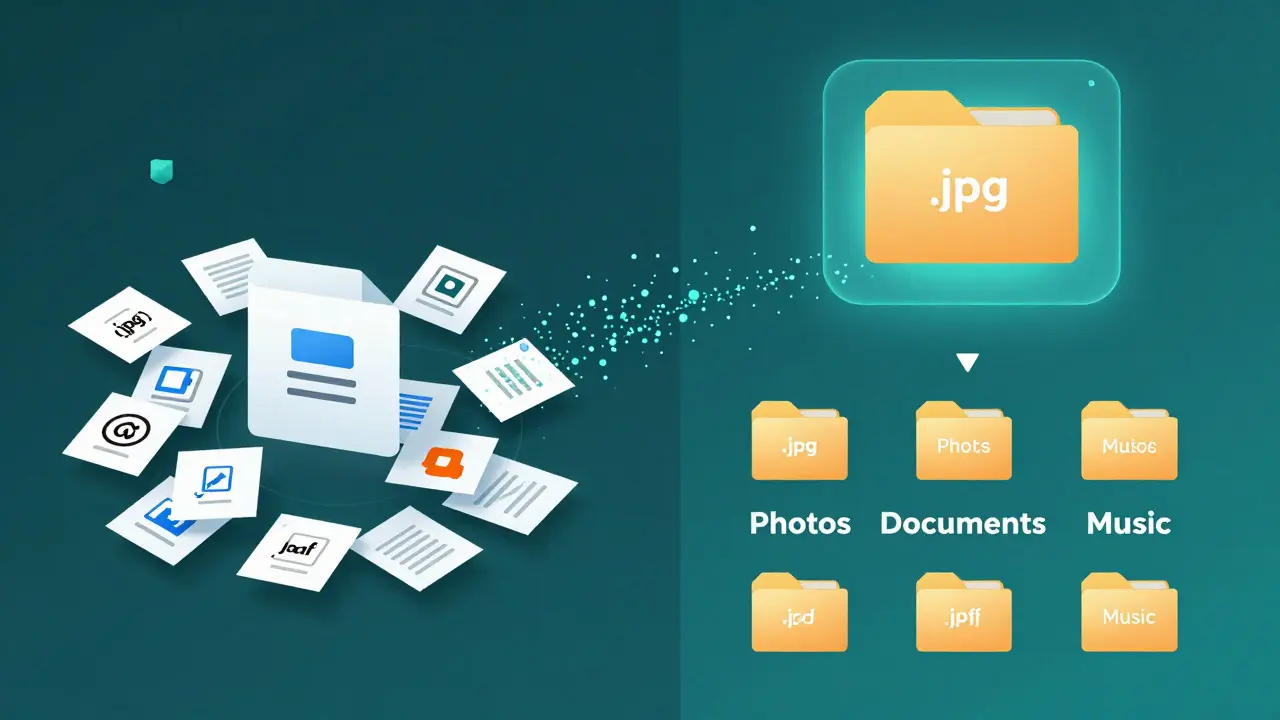
- 3. A File Organizer - Make a script that sorts your Downloads folder. Move all .jpg files to a Photos folder, .pdf to Documents, .mp3 to Music. This uses Python’s
osandshutillibraries and shows you how to interact with your computer’s files.
Each project takes 2-4 hours. Do one per weekend. By the third, you’ll understand functions, conditionals, file handling, and APIs-all without ever opening a textbook.
Key Concepts You Actually Need to Know
You don’t need to master every programming term. Focus on these five:
- Variables - Containers for storing data. Like
name = "Alex". - Conditionals - Making decisions.
if temperature > 30: print("Wear sunscreen"). - Loops - Repeating actions.
for task in todo_list: print(task). - Functions - Reusable blocks of code. Define once, use many times.
- APIs - How programs talk to each other. You’ll use them to get data from websites, like weather or stock prices.
That’s it. Everything else-classes, recursion, decorators-is optional until you’re building complex apps. Start simple.
Where to Learn Without Paying
You don’t need a $500 course. Here are free, high-quality resources:
- Automate the Boring Stuff with Python - Free online book by Al Sweigart. Teaches real-world automation. Perfect for tech enthusiasts.
- freeCodeCamp - Interactive coding challenges. Complete their Python curriculum in 10-15 hours.
- Corey Schafer’s YouTube Channel - Clear, no-nonsense Python tutorials. His "Python OOP" video is the best explanation of classes you’ll find.
- Exercism - Practice coding problems with mentor feedback. Free and community-driven.
Stick to one resource until you finish it. Switching between tutorials is the #1 reason people quit.
Join a Community-Even Just One
Learning alone is hard. You’ll hit walls. That’s normal. But you don’t have to stay stuck.
Join the r/learnpython is a Reddit community with over 2 million members where beginners ask questions and share projects. It’s one of the most active and welcoming programming subreddits. Post your first script. Ask for feedback. Celebrate small wins. You’ll get replies within hours.
Find a local meetup in Melbourne-there are over 20 Python and coding groups. Even one virtual coffee chat with another beginner makes a difference.
What Comes After the Basics?
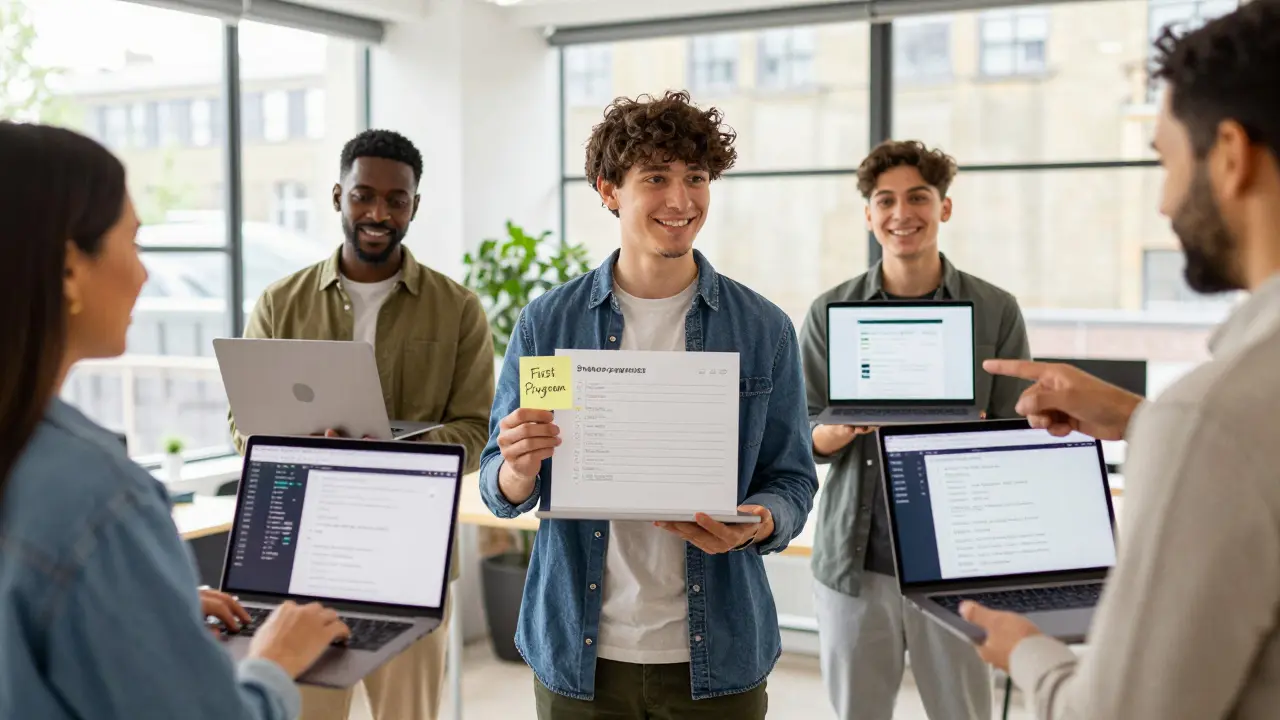
Once you’ve built those three projects and understand the five core concepts, you’ll know which direction to go:
- Want to make websites? Learn HTML, CSS, then Django is a high-level Python web framework that encourages rapid development and clean design. Also known as Django Framework, it was first released in 2005 and has since powered millions of websites.
- Want to analyze data? Learn Pandas is a Python library used for data manipulation and analysis, especially with tabular data like spreadsheets. It’s the backbone of data science in Python. and Matplotlib is a Python plotting library used to create static, animated, and interactive visualizations.
- Want to build apps? Try Kivy is a Python library for developing multitouch applications with a native look and feel across platforms. or Streamlit is a Python library that turns data scripts into shareable web apps with minimal code.
You don’t need to learn them all. Pick one path and go deep.
Common Mistakes New Coders Make (And How to Avoid Them)
- Waiting for "perfect" conditions - You don’t need a new laptop, a quiet room, or a certification. Start with what you have.
- Copying code without understanding it - Paste it, run it, then change one thing. See what breaks. That’s how you learn.
- Getting stuck on one error for hours - Google the error message. 90% of the time, someone else had it. Read the top answer. If it doesn’t help, ask on Reddit. Wait 20 minutes max.
- Comparing yourself to devs who’ve coded for 10 years - You’re not behind. You’re just starting. Progress isn’t linear.
You Don’t Need to Be a Genius-Just Consistent
Programming isn’t about talent. It’s about showing up. One hour a day, five days a week, for six weeks will get you further than 40 hours crammed into one weekend.
Track your progress. Write down what you built each week. You’ll be amazed at how fast you grow.
By the end of this month, you’ll have a working script that does something useful. By the end of three months, you’ll have built something you’re proud to show someone. That’s the goal. Not to become a developer overnight. But to become someone who can build, fix, and understand technology-not just use it.
Do I need a computer science degree to learn programming?
No. Most professional developers today learned on their own. Companies care more about what you can build than what degree you have. You can land a job or freelance work with a portfolio of projects-even without a degree.
How long does it take to get good at programming?
You’ll feel comfortable after 3-6 months of consistent practice. Getting really good-like being able to build complex apps or solve hard problems-takes 1-2 years. But you don’t need to be "really good" to start creating value. Start building now.
Is Python enough to get a job?
Yes. Python is used in web development, data science, automation, AI, and even game development. Many entry-level jobs list Python as a primary skill. Combine it with one specialization-like web apps with Django or data with Pandas-and you’re competitive.
What if I get bored or frustrated?
It happens to everyone. When you’re stuck, switch projects. Work on something fun-even if it’s silly, like a script that sends you a daily meme. Or take a break for a day. Coding is a skill, not a race. Progress isn’t always visible, but it’s happening.
Can I learn programming on my phone?
You can learn concepts on your phone using apps like Sololearn or Pydroid. But to actually build and test programs, you need a computer. A $300 laptop is enough. Don’t wait for the perfect setup. Start where you are.
Next Steps: What to Do Today
Here’s your action plan:
- Download Python and VS Code right now.
- Write and run your first "Hello, world!" program.
- Go to freeCodeCamp’s Python course and complete the first module.
- Join r/learnpython and post: "I just started coding. What should I build next?"
You don’t need motivation. You need a first step. Do that one thing today. The rest will follow.