
You’ve heard the phrase a thousand times: "Learn to code." It’s the golden ticket to high salaries, remote work, and building your own apps. But when you actually sit down to start, it feels less like a golden ticket and more like staring at a wall of alien symbols. Where do you even begin? Which language is right for you? And why does everyone keep talking about "variables" as if they’re magic?
This isn’t just another theory-heavy lecture. This is a practical, no-nonsense guide to getting your first lines of code running today. We’ll skip the academic jargon and focus on what actually works in 2026. Whether you want to build websites, analyze data, or automate boring tasks, this tutorial will give you the roadmap.
The Quick Start: What You Actually Need
Before we write a single line of code, let’s clear up the biggest myth: you don’t need a fancy computer or a degree in mathematics. You need a laptop (any laptop), an internet connection, and curiosity. That’s it.
The most important tool you’ll use is something called an Integrated Development Environment (IDE), which is software that combines all the tools needed for software development into one application. For beginners, I recommend starting with Visual Studio Code, a free, lightweight code editor developed by Microsoft that supports over 30 programming languages through extensions. It’s clean, fast, and has a massive community. Download it now. Install it. Open it. You’re already ahead of 50% of people who try to learn coding.
Next, you need to pick a language. Don’t overthink this. The best language is the one you stick with. Here are the top three choices for beginners in 2026:
- Python: The most beginner-friendly language. It reads like English. It’s used for data science, AI, and backend web development.
- JavaScript: The language of the web. If you want to build interactive websites, this is non-negotiable.
- HTML/CSS: Not technically "programming" languages, but the foundation of every website. You’ll pair these with JavaScript.
If you have to choose just one, go with Python. It removes the friction of syntax errors so you can focus on logic.
Your First Program: Hello World
In every programming culture, there’s a tradition. Your first program always says "Hello, World!" It sounds silly, but it’s crucial. It proves your environment works. It shows you how to output text. It’s the baby step before running a marathon.
Let’s do it in Python. Open Visual Studio Code. Create a new file named `hello.py`. Type this exactly:
print("Hello, World!")Save the file. Now, run it. In VS Code, you can usually right-click and select "Run Python File in Terminal," or open your terminal/command prompt and type `python hello.py`.
Did you see "Hello, World!" appear in the console? Congratulations. You just wrote software. You told the computer to take data (the string "Hello, World!") and display it on the screen. That’s the core of programming: giving instructions to a machine.
Understanding Variables: Boxes for Data
Now that you can print static text, let’s make it dynamic. Imagine you’re building a game. You need to remember the player’s name, their score, and their health. You can’t hardcode "Player1" everywhere because players change. You need storage.
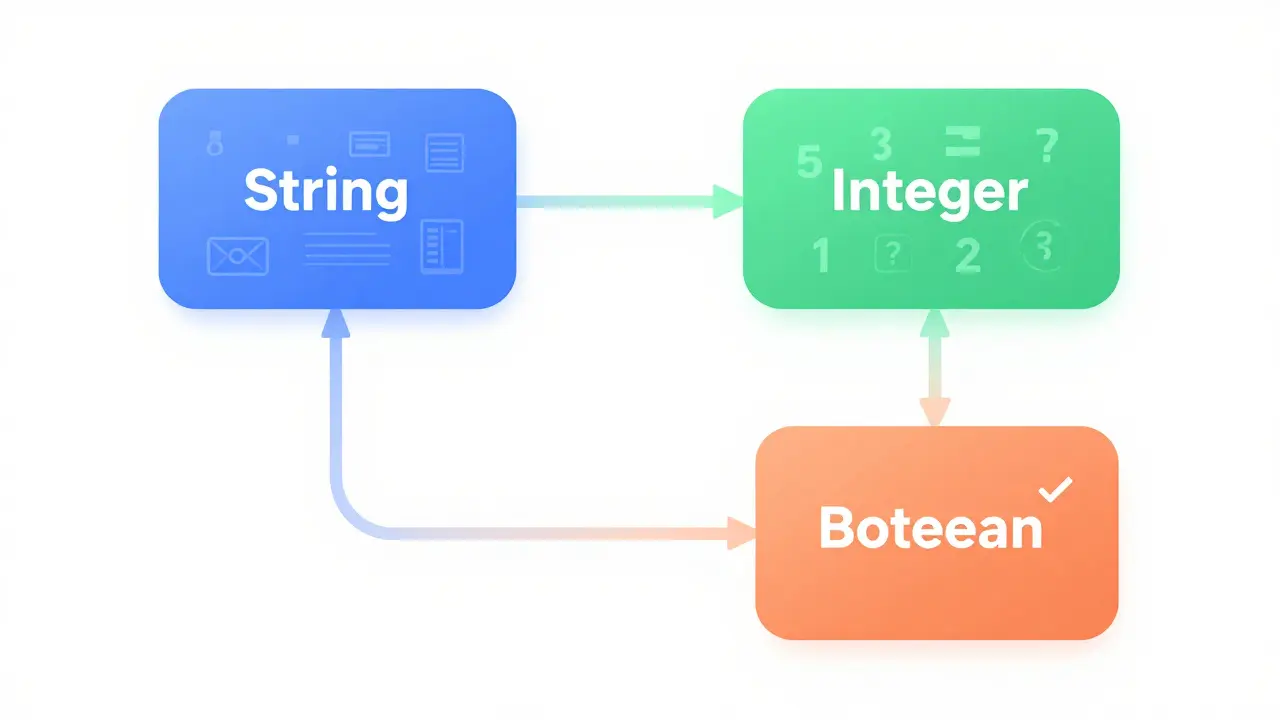
This is where Variables come in. Think of a variable as a labeled box. You put data inside the box, and you give the box a name so you can find it later.
In Python, creating a variable is incredibly simple. No declarations, no types needed upfront.
player_name = "Alice"
player_score = 100
is_alive = True

print(player_name)
print(player_score)
Here’s what happened:
player_nameis a box holding text (a string).player_scoreis a box holding a number (an integer).is_aliveis a box holding a true/false value (a boolean).
The equals sign (`=`) doesn’t mean mathematical equality here. It means "assign this value to this box." If you change player_score to 200 later, the old value is gone. The box now holds 200.
Why does this matter? Because real-world data changes. User inputs change. Prices change. Variables allow your program to adapt.
Logic and Control: Making Decisions
Programs aren’t useful if they just print numbers. They need to make decisions. Should the user log in? Is the password correct? Did the form submit successfully?
We use Conditional Statements, specifically if-else statements, to handle this logic. The structure is simple: "If condition A is true, do X. Otherwise, do Y."
Let’s add security to our previous example:
user_input = "admin"
password = "secret123"

if user_input == "admin":
    print("Access granted.")
else:
    print("Access denied.")
Notice the double equals (`==`). In programming, a single equals assigns a value. A double equals checks if two values are equal. This is a common mistake for beginners, so watch out for it.
You can also combine conditions using and or or:
age = 18
has_id = True

if age >= 18 and has_id:
    print("You can enter the club.")
else:
    print("Sorry, you cannot enter.")
This is the backbone of every app you use. Netflix uses this to check if you have a subscription. Banks use it to verify transactions. You’re learning the same logic.
Loops: Automating Repetition
What if you need to print "Hello" 100 times? You could copy-paste the print statement 100 times. Or, you could be smart and use a loop.
Loops allow you to repeat a block of code multiple times without writing it repeatedly. There are two main types: for loops (when you know how many times to repeat) and while loops (when you repeat until a condition is met).
Here’s a for loop in Python:
for i in range(5):
    print(f"Iteration {i}")
This prints "Iteration 0" through "Iteration 4." Note that computers start counting at zero, not one. This is a fundamental concept in programming known as zero-based indexing.
Loops are essential for processing lists. Imagine you have a list of email addresses and you need to send a newsletter to each one. You wouldn’t write 1,000 separate commands. You’d write one loop that goes through the list and sends the email for each address.

Functions: Reusable Code Blocks
As your code grows, it becomes messy. You might find yourself copying the same logic in five different places. This is bad practice. It leads to bugs and makes maintenance a nightmare.
The solution is Functions, which are reusable blocks of code designed to perform a specific task. You define a function once, and then call it whenever you need it.
Think of a function like a recipe. You write the recipe (define the function) once. Then, whenever you want cake (need the result), you follow the recipe (call the function). You don’t rewrite the recipe every time you bake.
Here’s how to define a function in Python:
def greet_user(name):
    message = f"Hello, {name}! Welcome back."
    return message

# Calling the function
user_greeting = greet_user("Bob")
print(user_greeting)
The def keyword starts the definition. name is a parameter-a placeholder for data you pass in. return sends the result back to wherever you called the function.
Using functions makes your code modular, readable, and easier to debug. If there’s a bug in the greeting logic, you fix it in one place, not fifty.
Common Pitfalls and How to Avoid Them
Even experienced programmers make mistakes. Here are the most common hurdles for beginners and how to overcome them:
- Syntax Errors: Missing a colon, parenthesis, or quote. Python is strict about indentation. If your code looks misaligned, it won’t run. Use an IDE with syntax highlighting to catch these early.
- Off-by-One Errors: Trying to access index 5 in a list of 5 items (indices 0-4). Remember zero-based indexing.
- Variable Scope: Trying to use a variable defined inside a function outside of it. Variables created inside functions are local; they disappear when the function ends.
- Copy-Pasting Without Understanding: Stack Overflow is a lifesaver, but blindly copying code without understanding it leads to broken programs. Read the comments. Try to modify the code slightly to see what happens.
Debugging is not a sign of failure. It’s part of the job. When your code breaks, read the error message carefully. It usually tells you exactly which line went wrong and why.
Next Steps: Building Real Projects
Tutorials teach you syntax. Projects teach you engineering. To truly learn programming, you must build things. Here are three project ideas to solidify your skills:
- A Calculator: Takes two numbers and an operation (+, -, *, /) from the user and prints the result. This practices variables, input, and conditional logic.
- A To-Do List: Allows users to add, view, and delete tasks. This introduces lists and loops.
- A Simple Web Scraper: Uses a library like BeautifulSoup, a Python library for pulling data out of HTML and XML files. to extract headlines from a news site. This connects your code to the real world.
Don’t aim for perfection. Aim for completion. A buggy project is better than a perfect idea that never gets coded.
Is Python still the best language for beginners in 2026?
Yes. Python remains the top choice due to its readable syntax, vast standard library, and dominance in emerging fields like AI and data science. Its simplicity allows beginners to focus on programming concepts rather than complex syntax rules.
How long does it take to learn basic programming?
With consistent practice (1-2 hours daily), you can grasp the fundamentals-variables, loops, functions-in 4-8 weeks. However, becoming job-ready typically requires 6-12 months of dedicated project-building and study.
Do I need to learn math to become a programmer?
Not advanced math. Basic arithmetic and logical thinking are sufficient for most web and application development. Math becomes critical only if you pursue specialized fields like machine learning, graphics programming, or cryptography.
What is the difference between frontend and backend development?
Frontend development focuses on what users see and interact with in their browser (HTML, CSS, JavaScript). Backend development handles server-side logic, databases, and data processing (Python, Node.js, Ruby). Full-stack developers work on both.
Should I use a free online course or pay for a bootcamp?
Free resources are excellent if you are self-disciplined. Platforms like freeCodeCamp and The Odin Project offer comprehensive curricula. Bootcamps provide structure, mentorship, and career support, which can be valuable if you struggle with self-motivation or need networking opportunities.