
AI Prompt Optimizer for Coding
Enter your coding task description below. This tool will help you refine your prompt to get better results from AI coding assistants.
Optimized Prompt
Why this is better:
Twenty years ago, learning to code meant memorizing syntax, debugging line by line, and spending hours just to get a simple program to run. Today, you can type a sentence in plain English and get working code back. The future of coding isn’t about writing more lines-it’s about thinking clearer, asking better questions, and letting tools handle the grunt work.
Code Is Now a Conversation
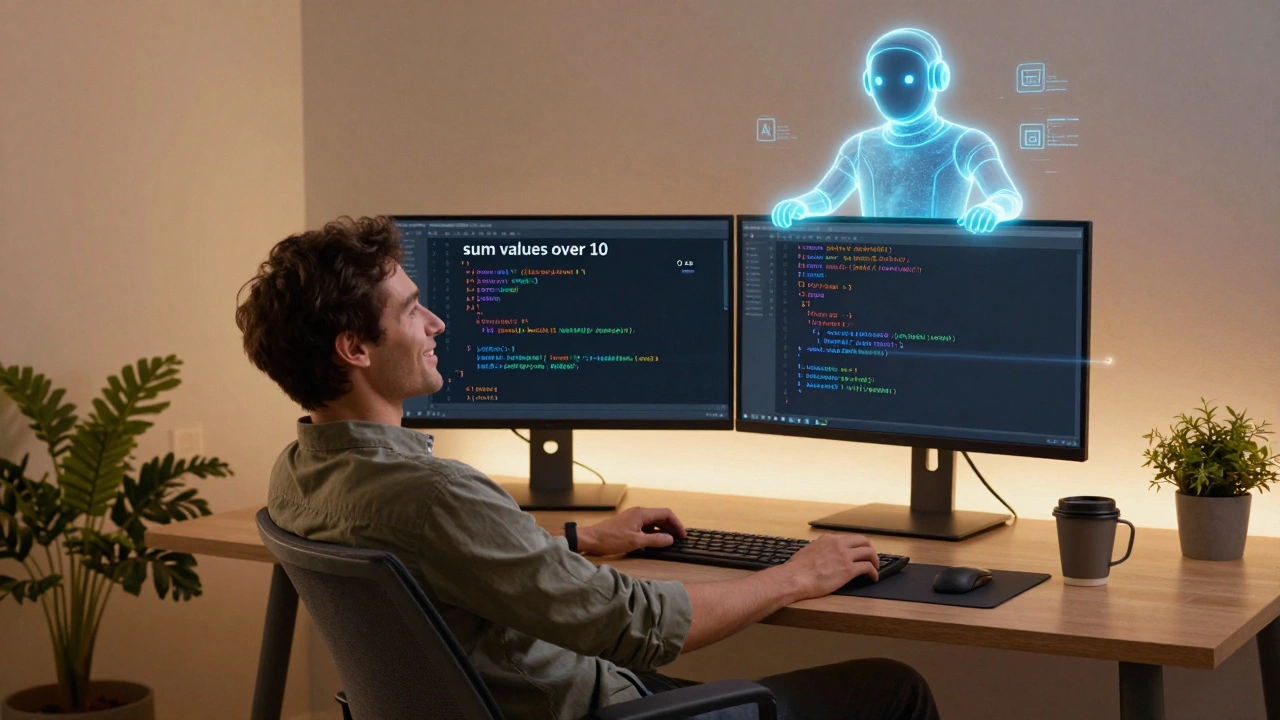
Modern programming isn’t just typing commands. It’s talking to AI assistants that understand context, intent, and even your mistakes. Tools like GitHub Copilot, Amazon CodeWhisperer, and Google’s Gemini Code assist don’t just suggest snippets-they learn your style. A developer in Melbourne using Copilot reported cutting their development time by 40% on routine tasks like setting up API endpoints or writing unit tests. The AI doesn’t replace the programmer; it turns them into a project manager for code.
Instead of typing for (let i = 0; i < array.length; i++), you might just write: "loop through this list and sum the values over 10". The AI generates the correct JavaScript, Python, or Rust version based on your project’s language. It even catches edge cases you forgot-like handling null values or empty arrays.
Low-Code and No-Code Are Mainstream, Not Niche
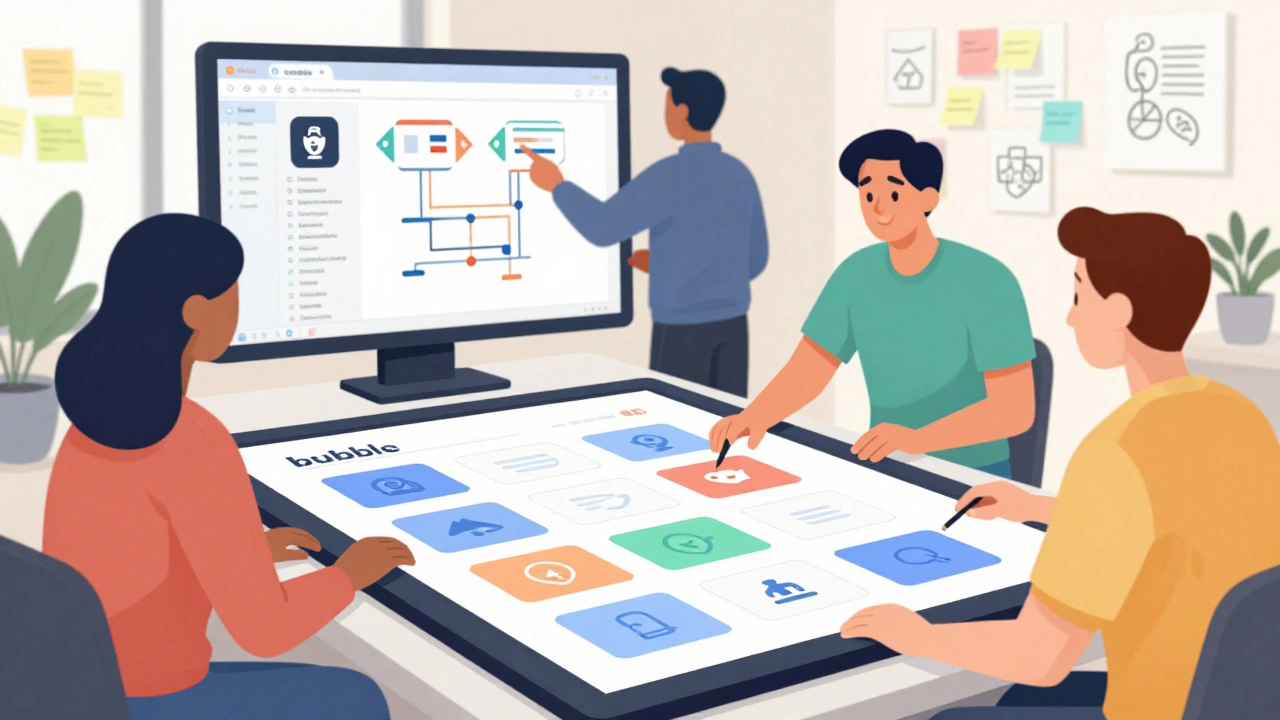
Remember when only engineers built apps? Now, marketers build landing pages, teachers create grading tools, and small business owners automate invoicing-all without writing a single line of code. Platforms like Bubble, Adalo, and Retool let users drag and drop components, connect databases, and set up workflows using visual logic.
But here’s the twist: low-code isn’t replacing programmers. It’s expanding the pool. A survey by Forrester in early 2025 found that 72% of companies now have at least one non-engineer building internal tools. That means developers are shifting from building everything from scratch to guiding, reviewing, and integrating these user-created systems. Your job isn’t to write the app-it’s to make sure it’s secure, scalable, and connected to the rest of the system.
AI Doesn’t Write Code-It Helps You Think
Some fear AI will make coding obsolete. That’s not happening. What’s changing is the skill set. The best coders today aren’t the ones who type fastest. They’re the ones who ask the right questions. Instead of "How do I sort a list?" they ask: "What’s the most efficient way to sort this data when users might add 10,000 entries per minute?"
AI tools now help you evaluate trade-offs. Ask it: "Should I use SQLite or PostgreSQL for this mobile app with offline sync?" and it’ll compare storage limits, concurrency support, and sync complexity. It doesn’t decide for you-it gives you the context to choose.
Real-world example: A startup in Sydney used AI to prototype a fitness tracker app. Instead of spending weeks on backend architecture, they spent two days refining prompts. The AI generated starter code, flagged security risks in authentication, and suggested using WebSockets instead of polling for real-time data. The team spent the rest of their time testing user flows-not fixing syntax errors.
Programming Languages Are Evolving, Not Disappearing
Python still leads for data and automation. JavaScript still runs the web. Rust is growing fast for systems programming because it’s safe and fast. But here’s what’s new: languages are becoming more conversational. Python 3.12 introduced match statements that read like natural conditions. TypeScript now lets you define types with plain English comments. Even C# has adopted more expressive syntax for data manipulation.
The real shift? You don’t need to master every language anymore. You need to understand what each one is good for. Think of languages like tools in a toolbox. You don’t need to forge every hammer yourself-you just need to know when to use a claw hammer vs. a ball-peen.
According to the Stack Overflow Developer Survey 2025, Python remains the most loved language for the fifth year in a row, while Rust has the highest satisfaction rate among users who’ve used it for over a year. Java and C++ are still widely used in legacy systems, but new projects rarely start with them unless they’re building embedded software or high-frequency trading platforms.
Learning to Code Is Now About Problem-Solving, Not Syntax
If you’re starting out today, don’t waste months memorizing semicolons or bracket rules. Focus on these skills instead:
- Breaking problems down-Can you describe what you want in three clear steps?
- Asking the right questions-What’s the input? What’s the output? What could go wrong?
- Using AI as a partner-Don’t copy-paste code. Ask it to explain what it generated.
- Reading documentation-AI can’t replace understanding how a library works under the hood.
- Testing and debugging-Even AI makes mistakes. Learn how to spot them.
One student in Brisbane built a tool that auto-fills medical forms using voice input. She didn’t know Python when she started. She used YouTube tutorials, asked AI to explain each function, and tested every part with real users. In six weeks, she had a working prototype. Her secret? She focused on the problem, not the language.
The New Developer Role: Orchestrator, Not Coder
The most in-demand developers in 2025 aren’t the ones who write the most code. They’re the ones who can:
- Translate business needs into clear prompts for AI tools
- Review and validate AI-generated code for security and performance
- Integrate low-code tools with custom backend systems
- Teach non-developers how to use automation tools safely
- Spot when AI is hallucinating or making unsafe assumptions
Companies are hiring "AI-Powered Developers"-roles that didn’t exist five years ago. These people spend 30% of their time writing code, 40% refining prompts, and 30% reviewing, testing, and documenting what the AI produced.

What to Learn Right Now
Here’s what actually matters in 2025:
- Basic programming logic-variables, loops, conditionals. You can learn this in a weekend.
- One high-level language-Python or JavaScript. Pick one and stick with it.
- How to use AI coding tools-Practice with Copilot or CodeWhisperer. Learn to edit, not just accept.
- Version control-Git is still essential. Even if AI writes your code, you need to track changes.
- APIs and data formats-JSON, REST, and how to connect systems.
- Security basics-Never trust AI-generated code without checking for SQL injection or hardcoded keys.
Forget learning 10 languages. Master one. Learn how to use AI to extend it. Build something real-even a tiny tool that saves you 10 minutes a day. That’s how you learn.
Tools to Start With Today
Here are the most useful tools for beginners and pros alike in 2025:
| Tool | Best For | Why It Matters |
|---|---|---|
| GitHub Copilot | Writing code faster | Understands context and suggests full functions, not just snippets |
| Replit AI | Learning and prototyping | Runs in your browser-no setup needed. Great for beginners |
| Cursor | AI-powered IDE | Like VS Code, but built for AI collaboration. Can edit entire files with prompts |
| Bubble | Building web apps without code | Useful for testing ideas before writing custom code |
| Postman | Testing APIs | Still the easiest way to connect apps and check data flow |
What’s Next? The Codeless Future Isn’t Coming-It’s Here
The future of coding isn’t about writing less code. It’s about writing smarter. The goal isn’t to eliminate programming-it’s to remove the friction so you can focus on what matters: solving real problems.
Five years ago, you needed a computer science degree to build an app. Today, you need curiosity, persistence, and the ability to work with AI. The barrier to entry is lower than ever. But the expectation for quality is higher.
If you’re waiting for the "perfect" time to start, it’s already here. Open a browser. Type a prompt. See what happens. The future of coding isn’t written in syntax-it’s written in questions.
Do I still need to learn programming languages if AI writes code for me?
Yes, but not the way you used to. You don’t need to memorize every function, but you must understand how code works-what variables do, how loops run, why security matters. AI makes mistakes. If you can’t spot them, you’ll deploy broken or unsafe code. Learning the basics lets you guide AI, not just follow it.
Is Python still the best language to learn in 2025?
For beginners, yes. Python’s readable syntax, huge library support, and strong AI tooling make it the easiest entry point. It’s used in web development, data analysis, automation, and even AI training. If you’re unsure where to start, Python gives you the most flexibility. Other languages like JavaScript or Rust are better for specific roles, but Python is the safest first step.
Can AI replace software developers entirely?
No. AI is a powerful assistant, but it can’t replace human judgment. It doesn’t understand business goals, user emotions, or ethical trade-offs. Who decides if a feature is worth building? Who ensures the app doesn’t harm users? Who handles a security breach? These are human decisions. AI can write the code, but only a person can decide what code should be written-and why.
How do I know if AI-generated code is safe?
Always check for three things: hardcoded secrets (like API keys), unvalidated user input (which can lead to injections), and missing error handling. Run security scans like SonarQube or use AI tools that flag risks. Never deploy AI code without testing it yourself. Treat it like a first draft-review, edit, and verify.
Should I learn low-code tools if I want to be a developer?
Absolutely. Knowing how to use tools like Bubble or Retool helps you understand user needs faster. Many developers now start projects in low-code to validate ideas before writing custom code. It also helps you communicate better with non-technical teammates. Being able to build a prototype quickly is a huge advantage.
What’s the biggest mistake new coders make today?
Copying AI-generated code without understanding it. Many beginners paste code they don’t comprehend and then can’t fix it when it breaks. The real skill isn’t getting code to work-it’s knowing why it works. Always ask the AI to explain each part. If you can’t explain it in plain English, you don’t own it yet.