
Ever sit down to code and feel like you’re moving through molasses? You know the drill: you’re stuck on a simple loop, you keep switching tabs, you’re Googling the same function for the third time, and before you know it, an hour’s gone and you’ve written five lines. It’s not that you’re slow-it’s that your workflow is leaking time everywhere. The good news? You don’t need to work harder. You need to work smarter. Here are the real, no-fluff tips that actually make programmers faster-not just in theory, but in the trenches.
Master Your Editor
You spend 80% of your time in your code editor. So why are you using it like a basic text file? If you’re still clicking through menus to find a function or copying lines manually, you’re wasting hours every week. Learn the shortcuts. Not just Ctrl+C and Ctrl+V. Learn how to jump to a definition, rename a variable across the whole project, or duplicate a line with one keystroke. In VS Code, Ctrl+Shift+P opens the command palette-type "Go to Definition" and bind it to F12. In JetBrains IDEs, Alt+Enter gives you context-aware fixes before you even finish typing. The goal isn’t to memorize every shortcut. It’s to make the most common actions so fast they feel automatic. Spend 20 minutes this week learning just three new shortcuts. Do it again next week. In a month, you’ll be 30% faster without writing a single new line of code.
Use Snippets, Not Copy-Paste
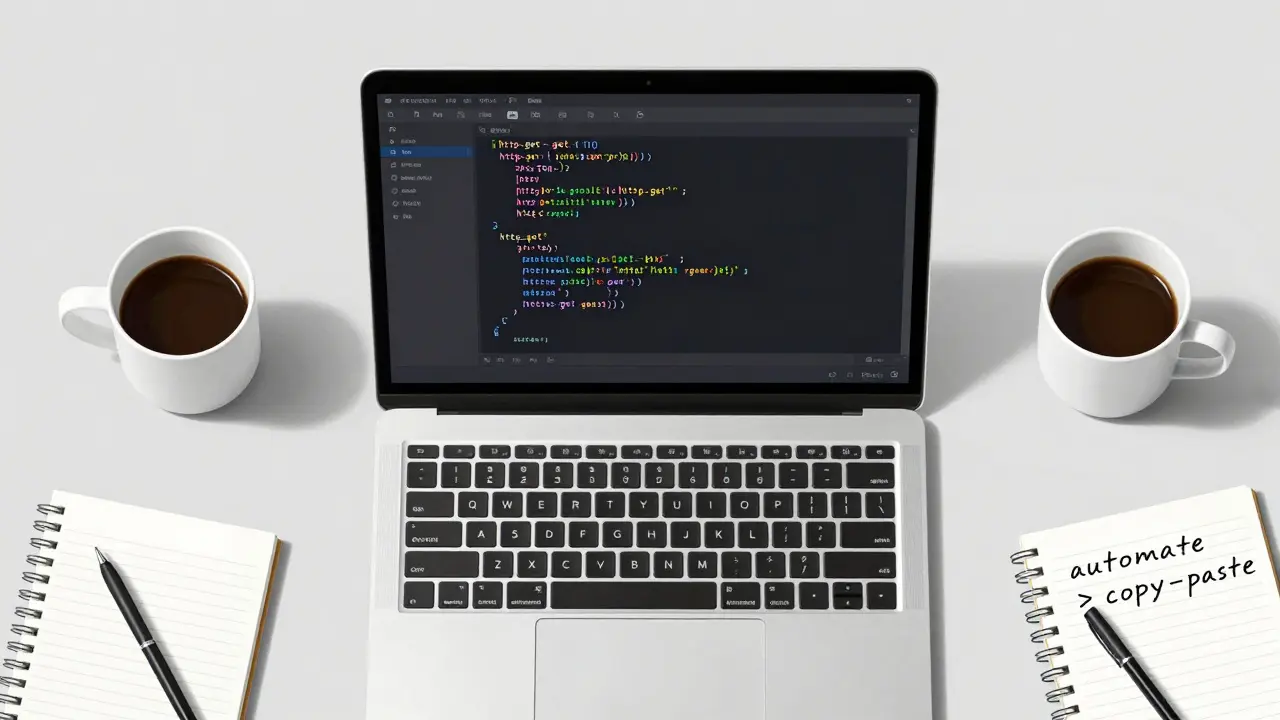
Copying and pasting code is the fastest way to create bugs and slow yourself down long-term. Why? Because every time you paste, you’re also pasting context you don’t need. You’re copying variable names that don’t match your current scope. You’re bringing in unused imports. You’re repeating logic that should be abstracted. Instead, build a library of code snippets. Most editors support this. In VS Code, go to File > Preferences > User Snippets. Create one for your most-used patterns: a REST endpoint handler, a database connection, a form validation function. Name them clearly: http-get, db-connect. Now, type the prefix and hit Tab. Boom-your template appears, fully formatted, with placeholders you can jump between with Tab. You’re not pasting code. You’re deploying reusable logic. One snippet can save you 10 minutes a day. Multiply that by 20 days a month. That’s 200 minutes. That’s over three hours you just got back.
Write Less Code
Faster programming isn’t about typing faster. It’s about writing less. Every line of code is a liability. It can break. It needs testing. It needs maintenance. The best programmers don’t write more-they write less. Start by asking: "Can I use a library?" Not "Can I build it?" If you’re writing a date formatter, use date-fns or moment.js. If you’re handling form validation, use Yup or Zod. Don’t reinvent the wheel unless you’re learning how wheels work. And if you’re writing a loop to search through an array? Use find(), filter(), or some(). These are built into JavaScript. They’re tested. They’re faster. And they’re one line. Writing less doesn’t mean being lazy. It means being strategic. The more you rely on proven tools, the less time you spend debugging your own mistakes.
Break Problems Into Tiny Pieces
Big problems feel overwhelming. That’s why you stall. The fix? Break everything into pieces so small they’re almost silly. Instead of "Build a login system," ask: "What’s the first thing I need?" Probably: "Get the email from the input field." Then: "Validate it’s an email." Then: "Send it to the API." Then: "Handle the response." Each step should take under 10 minutes. If a step takes longer, break it again. This is called "atomic tasks." It’s not new. It’s just how good developers think. When you can’t see the whole mountain, you just climb the next rock. You’ll finish faster because you’re never staring at a 10-hour task. You’re just doing the next 10-minute task. And every small win gives you momentum.
Stop Multitasking
You think you’re being productive by checking Slack while coding, then switching to your email, then Googling an error, then replying to a message. You’re not. You’re fragmenting your focus. Every time you switch tasks, your brain needs 15-20 seconds to reorient. That’s 20 seconds lost. Every. Single. Time. Studies show it can take over 20 minutes to fully return to deep work after a single interruption. Turn off notifications. Use a browser extension like Focus or LeechBlock to block social sites during work hours. Close your email tab. If you’re in a noisy environment, wear headphones-even if you’re not playing music. Silence is a tool. You don’t need to be "always available." You need to be deeply focused. One hour of uninterrupted work beats three hours of distracted typing.
Automate the Repetitive
If you do something more than twice, automate it. That’s the rule. Need to run tests before every commit? Set up a pre-commit hook with husky and lint-staged. Need to format your code? Use Prettier and configure it to run on save. Need to deploy? Use a GitHub Action that runs tests, builds, and pushes to production when you push to main. You don’t need to be a DevOps expert. You just need to make one thing automatic. Start small. Automate your build. Automate your formatting. Automate your testing. Once you do, you’ll stop thinking about those steps. You’ll just press "Commit" and move on. That’s time saved. That’s mental energy preserved. That’s speed.
Know When to Step Away
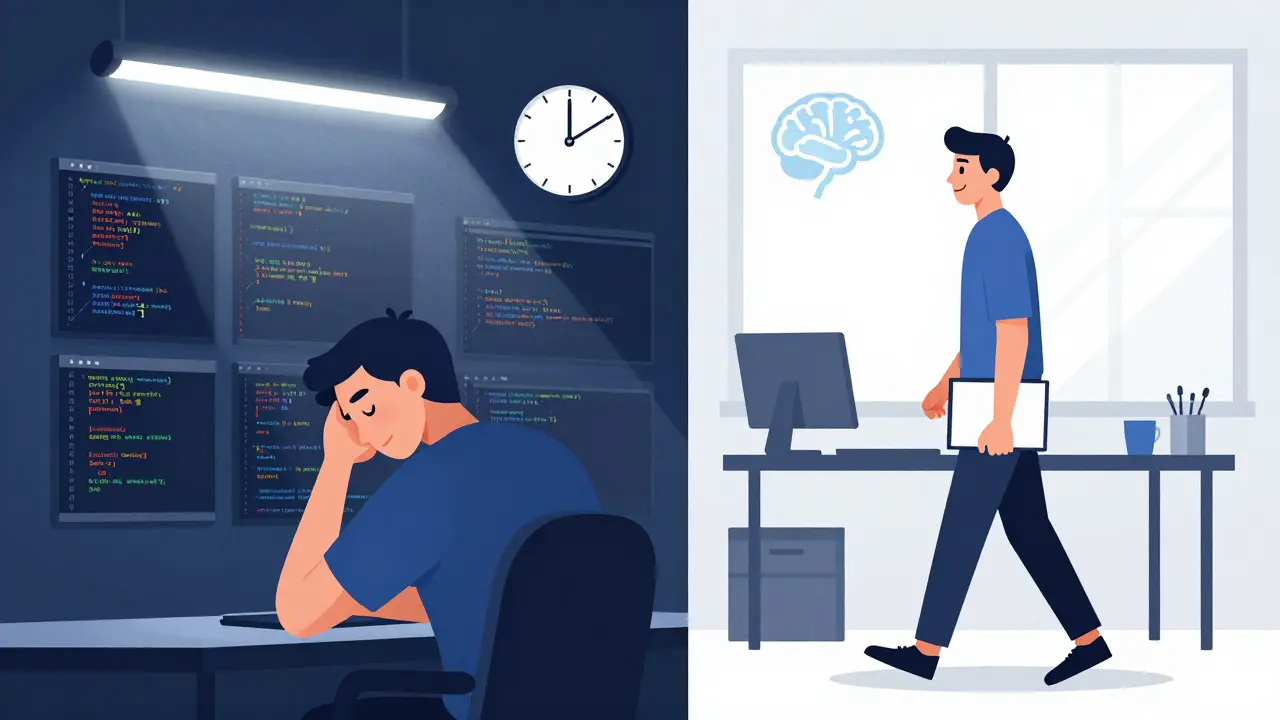
Staring at a bug for 45 minutes doesn’t make you a hero. It makes you tired. The best programmers know when to walk away. Take a five-minute break. Walk around. Drink water. Look out the window. Your brain keeps working in the background. More than half of my biggest fixes came after I stepped away and came back 10 minutes later. I didn’t even think about it. I just saw the answer. This isn’t magic. It’s how the brain processes complex problems. When you’re stuck, you’re in a cognitive loop. Stepping away breaks it. Try the Pomodoro technique: 25 minutes focused, 5 minutes off. Repeat. You’ll code faster because you’re not burning out. You’re refreshing.
Review Your Code Daily
At the end of each day, spend five minutes reviewing what you wrote. Not to fix it. Not to optimize it. Just to notice: "What did I do that was slow?" Did you search for a function? Did you copy-paste? Did you write a loop when you could’ve used a built-in? Write it down. Just one thing. Tomorrow, try to fix it. Over time, you’ll build a personal list of habits that slow you down. And you’ll replace them with faster ones. This isn’t about perfection. It’s about awareness. The more you notice your own patterns, the more you can optimize them.
Start With the Easy Stuff
Don’t start with the hardest part. Start with the easiest. If you’re building a user dashboard, don’t begin with the real-time chart. Start with the header. The sidebar. The placeholder data. Get the structure in place. Fill it with fake data. Make it look like a real app. Then, swap out the fake data for real API calls. This is called "scaffolding." It gives you momentum. You see progress. You feel like you’re moving. And that feeling-that sense of forward motion-is what keeps you going. When you start with the hard part, you risk hitting a wall before you even get started. When you start with the easy part, you build confidence. And confidence fuels speed.