
Most people learn Python by following tutorials that teach them how to print "Hello World" or loop through a list. But if you want to code like a pro, you need to go beyond the basics. Pro Python developers don’t just make code work-they make it clean, fast, and readable. And a lot of that comes down to knowing the little tricks the language offers that aren’t always taught in beginner courses.
Use List Comprehensions Instead of Loops
Instead of writing this:
squares = []
for x in range(10):
    squares.append(x ** 2)
Write this:
squares = [x ** 2 for x in range(10)]
It’s shorter, faster, and clearer. List comprehensions aren’t just syntactic sugar-they’re the Pythonic way to transform data. And they work with conditionals too:
even_squares = [x ** 2 for x in range(10) if x % 2 == 0]
This creates a list of squares for even numbers only. No extra lines. No temporary variables. Just one clean line that does exactly what it says.
Unpack Variables Like a Pro
How many times have you written code like this?
values = (1, 2, 3)
x = values[0]
y = values[1]
z = values[2]
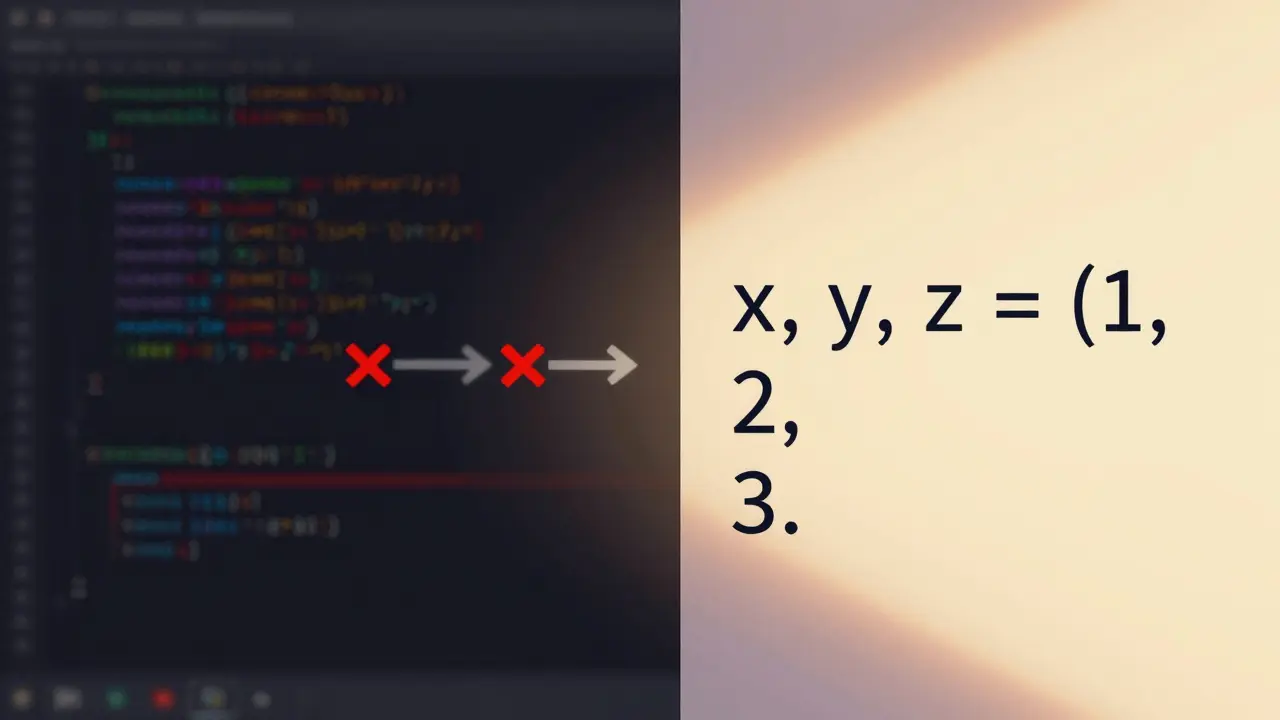
That’s not just verbose-it’s error-prone. Python lets you unpack tuples, lists, and even dictionaries in one line:
x, y, z = (1, 2, 3)
It works with functions that return multiple values too:
def get_user_info():
    return "Alice", 28, "[email protected]"

name, age, email = get_user_info()
And if you only care about the first and last items? Use the underscore to ignore the middle:
first, _, last = ["Apple", "Banana", "Cherry"]
It’s clean, readable, and avoids accidental index errors.
Use defaultdict for Cleaner Dictionaries
Handling missing keys in dictionaries is one of the most common frustrations for new Python devs. You write:
counts = {}
for item in items:
    if item in counts:
        counts[item] += 1
    else:
        counts[item] = 1
That’s a lot of boilerplate. Instead, use collections.defaultdict:
from collections import defaultdict

counts = defaultdict(int)
for item in items:
    counts[item] += 1
No more if checks. No more key errors. The dictionary automatically creates a default value (0, in this case) when a key doesn’t exist. You can use list, set, or even a custom function as the default.
Chain Comparisons for Cleaner Logic
How do you check if a number is between 10 and 20? Most people write:
if x >= 10 and x <= 20:
Python lets you chain comparisons like this:
if 10 <= x <= 20:
It reads like English. It’s harder to mess up. And it’s more efficient-Python evaluates the expression in one go instead of two separate boolean checks. This works with any number of comparisons:
if a < b < c < d:
No parentheses. No ands. Just clean, logical flow.
Use enumerate() Instead of Range(len())
This is a classic anti-pattern:
for i in range(len(items)):
    print(i, items[i])
It’s unnecessary. Python gives you enumerate():
for i, item in enumerate(items):
    print(i, item)
It’s faster, safer, and more readable. And if you want to start counting from 1 instead of 0? Just pass the start value:
for i, item in enumerate(items, 1):
    print(i, item)
No more off-by-one errors. No more manual counters.
Use Context Managers for Resource Handling
Opening files, connecting to databases, or grabbing locks? Always use with:
with open("data.txt", "r") as f:
    content = f.read()
That’s it. No need to remember to call f.close(). The file closes automatically-even if an error happens inside the block. This isn’t just convenient; it’s critical for avoiding resource leaks.
And you can write your own context managers too. For example, if you’re timing how long a function takes:
from contextlib import contextmanager
import time

@contextmanager
def timer():
    start = time.time()
    yield
    print(f"Elapsed: {time.time() - start:.2f}s")

with timer():
    # do something slow
    time.sleep(1)
Now you’ve got a reusable timing tool without writing boilerplate every time.
Know Your Built-in Functions
Python has powerful built-ins that most people never use. Here are three you should know:
any()- returnsTrueif at least one item in an iterable is truthy.
if any(x > 100 for x in prices):
    print("Some items are expensive")
all()- returnsTrueonly if all items are truthy.
if all(len(name) > 2 for name in names):
    print("All names are at least 3 characters")
zip()- pairs up elements from multiple lists.
names = ["Alice", "Bob", "Charlie"]
ages = [25, 30, 35]

for name, age in zip(names, ages):
    print(f"{name} is {age} years old")
These functions are lazy, fast, and readable. They turn multi-line loops into single-line expressions.
Use Type Hints Even If You Don’t Need Them
Type hints aren’t enforced at runtime-but they’re a game-changer for readability and tooling:
def greet(name: str, age: int) -> str:
    return f"Hello, {name}. You are {age} years old."
Now your IDE can autocomplete, catch bugs before you run code, and generate better documentation. Tools like mypy and PyCharm use these hints to warn you when you pass a string where a number is expected. It’s not about making Python more like Java-it’s about making your code easier to maintain, especially in teams.
Write Functions That Do One Thing
Pro Python developers write small, focused functions. Not because they’re “pure functional programmers,” but because it makes code easier to test, reuse, and debug.
Bad:
def process_user_data(data):
    # clean data
    # validate email
    # save to database
    # send welcome email
    # log activity
    pass
Good:
def clean_data(data):
    return {k: v.strip() for k, v in data.items()}

def is_valid_email(email: str) -> bool:
    return "@" in email and "." in email

def save_to_db(user_data: dict) -> bool:
    # database logic here
    return True

def send_welcome_email(email: str) -> None:
    # email logic here
    pass

# Then combine them in a higher-level function

def onboarding_process(user_input: dict) -> bool:
    cleaned = clean_data(user_input)
    if not is_valid_email(cleaned["email"]):
        return False
    if save_to_db(cleaned):
        send_welcome_email(cleaned["email"])
        return True
    return False
Each function has a single responsibility. You can test them individually. You can swap out the email service without touching the database code. It scales.
Don’t Use Global Variables
Global variables are tempting. You write a config value at the top of the file, and suddenly you can access it anywhere. But it makes code brittle and impossible to test.
Instead, pass values as parameters:
def calculate_tax(income: float, rate: float) -> float:
    return income * rate

# Call it like this
final_tax = calculate_tax(salary, TAX_RATE)
If you need shared state, use classes or modules. But avoid globals. They turn your code into a tangled mess that breaks when you change one thing.

Use f-strings for String Formatting
Stop using .format() and % formatting. Use f-strings:
name = "Alice"
age = 28
message = f"Hello, {name}. You are {age} years old."
It’s faster, easier to read, and supports expressions:
price = 19.99
message = f"The total is ${price * 1.1:.2f} including tax."
No more confusing placeholders. No more forgetting commas. Just write the variable name inside curly braces.
Use __slots__ to Reduce Memory Usage
If you’re creating thousands of objects with the same attributes (like user records or sensor readings), use __slots__:
class User:
    __slots__ = ['name', 'email', 'age']

    def __init__(self, name, email, age):
        self.name = name
        self.email = email
        self.age = age
Without __slots__, each instance stores its attributes in a dictionary-which takes up more memory. With __slots__, Python uses a fixed-size structure. Memory usage drops by 30-50%. Speed improves too. It’s a small change that matters at scale.
Test Your Code with assert
Use assert to catch logic errors early:
def divide(a, b):
    assert b != 0, "Cannot divide by zero"
    return a / b
It’s not for user input validation-use exceptions for that. But for internal checks? Perfect. If you’re expecting a list to have at least one item, check it:
assert len(items) > 0, "Expected at least one item"
Turn off assertions in production with python -O, but keep them in development. They’re your safety net.
Learn to Read the Docs
The best Python tricks aren’t secrets-they’re in the official documentation. Most devs skip it because they think it’s dry. But the Python docs are actually well-written and full of practical examples.
Want to know how itertools works? Read it. Want to understand functools? Read it. The docs show you how to use partial, lru_cache, and chain to write cleaner, faster code.
Pro developers don’t memorize every function. They know where to look-and they know how to read the examples.
Final Tip: Write Code That Reads Like English
Python’s biggest strength isn’t speed or libraries-it’s readability. The best Python code doesn’t feel like code. It feels like instructions.
Compare:
result = list(filter(lambda x: x % 2 == 0, map(lambda x: x * 2, numbers)))
With:
doubled = [x * 2 for x in numbers]
even_doubled = [x for x in doubled if x % 2 == 0]
The second version is longer-but it’s easier to understand, debug, and change. That’s what writing like a pro means. Not writing the shortest code. Writing the clearest code.
Are Python tricks safe to use in production code?
Yes, if they’re part of the official language or standard library. Things like list comprehensions, f-strings, context managers, and type hints are used in every major Python project-from Instagram to Dropbox. These aren’t hacks; they’re standard practices. Avoid obscure third-party libraries or undocumented features. Stick to what’s in the Python docs.
Do I need to use all these tricks at once?
No. Start with one or two that make the biggest difference in your daily work. Maybe begin with f-strings and list comprehensions. Then add enumerate() and defaultdict. Once you’re comfortable, move to context managers and type hints. Progress is better than perfection.
Why do some Python developers dislike list comprehensions?
Some find them hard to read when they get too long or nested. A list comprehension with three conditions and a nested loop can become unreadable. That’s not a flaw in the feature-it’s a sign you should break it into steps. Use comprehensions for simple transformations. Use loops when logic gets complex. Clarity always wins.
Can I use these tricks with Python 2?
Most of these tricks require Python 3.6 or later. F-strings, type hints, and __slots__ with type annotations don’t exist in Python 2. If you’re stuck on Python 2, you’re missing out on over a decade of improvements. Upgrade. Python 2 reached end-of-life in 2020. No serious project should still use it.
What’s the one trick that makes the biggest difference?
Writing functions that do one thing. Once you master that, everything else becomes easier. Your code becomes testable, reusable, and maintainable. The other tricks-f-strings, comprehensions, context managers-make your code cleaner. But single-responsibility functions make your code sustainable over time.