
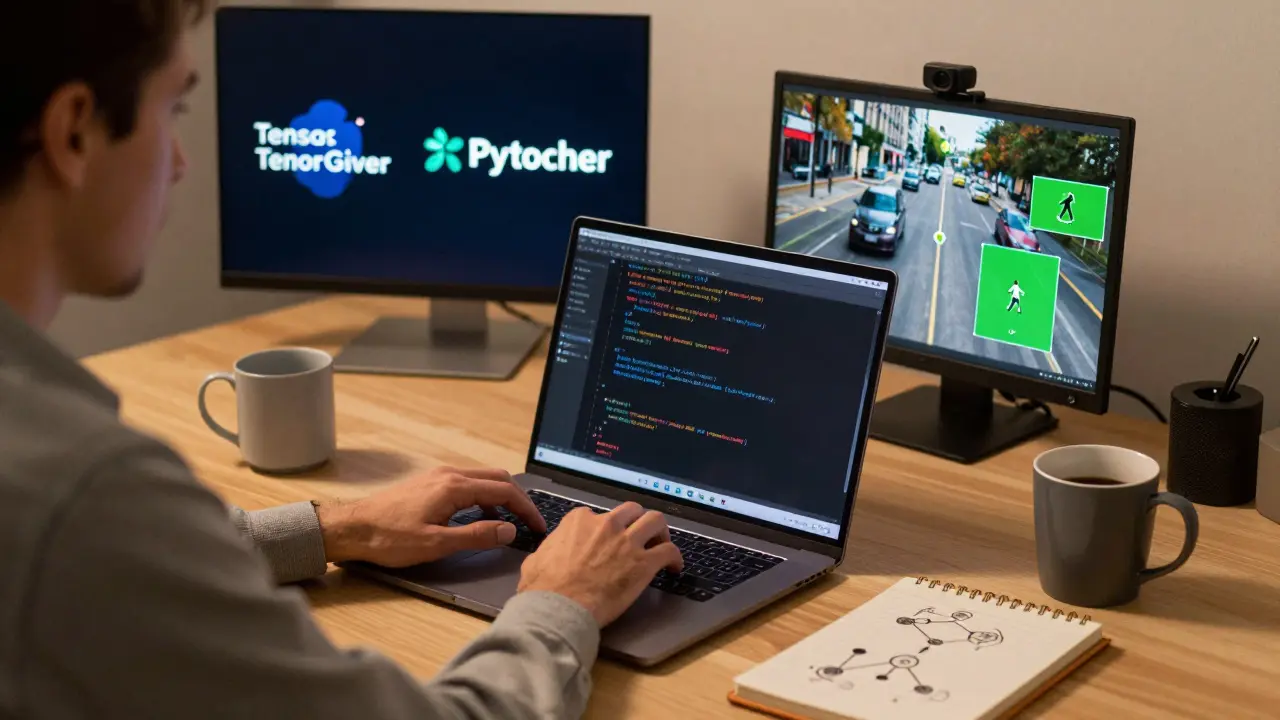
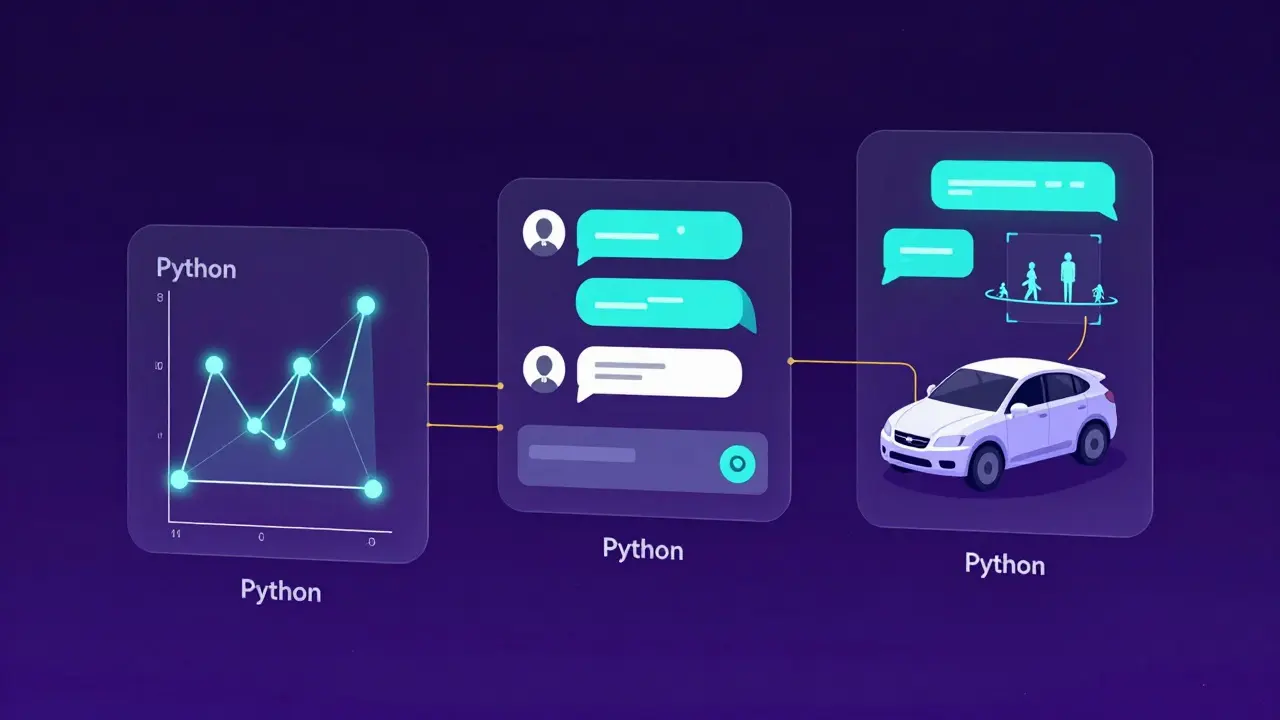
Python isn't just popular for AI-it's the backbone of nearly every major AI project today. If you're a developer looking to build intelligent systems, skip the hype and focus on what actually works. Python gives you the tools to turn ideas into working AI models faster than any other language. You don't need to be a math expert. You don't need to write C++ from scratch. You just need to understand how Python connects to the real-world tools powering chatbots, recommendation engines, self-driving cars, and medical diagnostics.
Why Python Dominates AI Development
Python’s rise in AI isn’t luck. It’s the result of three things: simplicity, libraries, and community. When you write a neural network in Python, you’re not writing thousands of lines of low-level code. You’re using TensorFlow an open-source machine learning framework developed by Google or PyTorch a deep learning library created by Facebook’s AI team-both built for Python. These frameworks handle the heavy math behind gradients, backpropagation, and matrix operations. Your job? Define the structure. Train it. Test it. Deploy it.
Compare that to Java or C#. In those languages, you’d spend weeks setting up environments just to run a simple linear regression. In Python, you install a package, load your data, and train a model in under 10 lines. That speed matters. Companies like Netflix, Uber, and Airbnb don’t use Python because it’s trendy-they use it because it gets results faster, with fewer bugs, and lower costs.
Core Libraries You Can’t Ignore
You don’t need to learn every Python library ever made. Focus on these five, and you’ll cover 90% of real AI work:
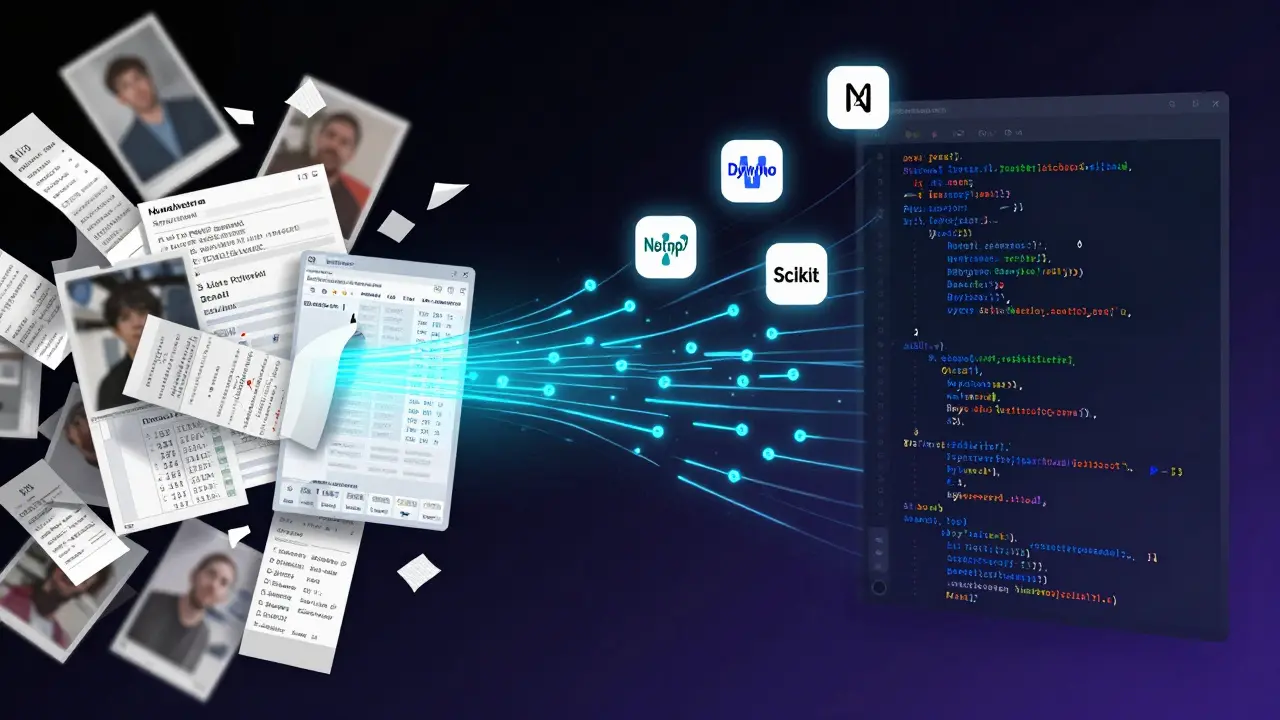
- NumPy a library for numerical computing that powers most scientific Python code - Handles arrays and matrices. Everything in AI relies on these. If you don’t understand how NumPy reshapes data, you’ll struggle to train anything.
- Pandas a data manipulation library built on NumPy for cleaning and analyzing structured data - Real-world data is messy. Pandas lets you clean missing values, merge datasets, and filter noise without writing loops.
- Scikit-learn a machine learning library offering simple, efficient tools for classification, regression, and clustering - Perfect for starting with decision trees, random forests, and SVMs. It’s the go-to for prototyping before scaling to deep learning.
- TensorFlow
- PyTorch
TensorFlow and PyTorch are the heavyweights. TensorFlow is battle-tested in production environments. PyTorch is favored in research labs because it’s more flexible and feels like writing regular Python. Most companies now use both. Learn one first, then the other. You’ll need both eventually.
Real Projects That Use Python for AI
Let’s cut through theory. Here are three actual projects built with Python that you can replicate:
- Movie Recommendation Engine - Use Scikit-learn to build a collaborative filtering model. Train it on IMDb ratings. Deploy it as a simple web app. This is how Netflix started.
- Real-Time Object Detection - Use PyTorch and YOLOv8 a state-of-the-art object detection model to detect cars, pedestrians, or traffic signs from a webcam. This powers autonomous driving systems.
- Chatbot for Customer Support - Fine-tune Hugging Face a platform for open-source AI models and datasets’s BERT a transformer-based language model for understanding human language on your company’s support tickets. Train it to answer FAQs automatically. This is what banks and telecoms use today.
Each of these projects took less than 50 hours to build from scratch. No PhD required. Just Python, a good dataset, and patience.
What You Need to Know Before You Start
You don’t need to be a data scientist. But you do need to understand a few things:
- Data quality beats model complexity - A simple model trained on clean data outperforms a neural net trained on garbage. Spend 70% of your time cleaning and understanding your data.
- Start small - Don’t try to build a GPT-4 clone. Start with predicting house prices or classifying emails as spam. Small wins build confidence.
- Version control is non-negotiable - Use Git. Track every change to your model, dataset, and code. AI projects fail when you can’t reproduce results.
- GPU matters, but not as much as you think - You can train small models on your laptop. Cloud GPUs (like Google Colab) are free. You don’t need to buy a $3,000 graphics card to get started.
Common Mistakes New Developers Make
Here’s what goes wrong for most people starting out:
- Trying to learn too much at once - Don’t try to master NumPy, TensorFlow, PyTorch, and data visualization all in one week. Pick one library. Build one project. Then move on.
- Ignoring model evaluation - Accuracy isn’t everything. If your model is 95% accurate but misses 100% of fraud cases, it’s useless. Learn precision, recall, and F1-score.
- Not testing on real data - Training on perfect, labeled datasets is easy. Real data has typos, missing fields, and weird formats. Test on messy data early.
- Using tutorials without understanding - Copy-pasting code from Medium won’t teach you anything. Break every line apart. Ask: Why does this function exist? What happens if I change this number?
How to Stay Current
AI moves fast. New papers drop every day. But you don’t need to read them all.
- Follow arXiv a free repository of scientific papers, especially in AI and machine learning’s top 5 daily papers in your area. Use the Papers With Code a website that links AI research papers to their open-source implementations site to find working code.
- Join Kaggle a platform for data science competitions and datasets competitions. Even if you don’t win, you’ll learn how others solve problems.
- Build something public. Put your code on GitHub. Write a short blog. People will give you feedback. That’s how you grow.
Where to Go Next
Once you’re comfortable with basic models, here’s where to level up:
- Learn ONNX an open standard for representing machine learning models to export models to mobile or embedded devices.
- Try MLflow an open-source platform for managing the machine learning lifecycle to track experiments across projects.
- Explore LangChain a framework for developing applications powered by large language models to build agents that use AI to make decisions.
These aren’t buzzwords. They’re tools used daily by teams at Microsoft, Amazon, and OpenAI. You don’t need to master them all. But knowing they exist will help you choose the right tool for the job.
Do I need a math background to use Python for AI?
No. You don’t need calculus or linear algebra expertise. Libraries like TensorFlow and PyTorch handle the math for you. What you do need is basic understanding of how data flows through a model-what inputs it takes, how it learns from errors, and how outputs are generated. Most developers learn this by building, not by studying textbooks.
Is Python the only language for AI?
No, but it’s the best for most use cases. R is used in statistics-heavy fields. Julia is faster for heavy computation. C++ powers high-performance inference engines. But Python remains the only language with the full ecosystem: data tools, training frameworks, deployment options, and a massive community. If you’re starting out, Python is the only choice that makes sense.
Can I build AI models on my laptop?
Yes-for small to medium models. You can train image classifiers, text classifiers, and simple recommendation engines on a modern laptop. For larger models (like LLMs), you’ll need cloud GPUs. Google Colab offers free access to Tesla T4 and A100 GPUs. You don’t need to buy hardware to get started.
How long does it take to become proficient in Python for AI?
With consistent effort, you can build your first working AI model in under 4 weeks. That’s if you spend 10-15 hours a week. Full proficiency-building, debugging, and deploying production systems-takes 6-12 months. The key is not how much you learn, but how many projects you finish.
What’s the best way to learn Python for AI?
Build something real. Start with a dataset you care about-your Spotify history, weather data from your city, or product reviews from your favorite store. Use Scikit-learn to predict something. Then move to TensorFlow or PyTorch. Watch tutorials only after you’ve tried on your own. The moment you fix a bug you didn’t understand, that’s when learning sticks.
Python for AI isn’t about memorizing syntax. It’s about solving problems with data. The tools are here. The community is huge. The barrier to entry is lower than ever. If you’re a developer who’s curious about AI, the only thing stopping you is hesitation. Start today. Build something small. Then build something bigger.