
Everyone wants to code faster. Not just write more lines, but get things done with less effort, fewer bugs, and less frustration. The truth? There’s no magic button. But there are real, tested programming tricks that separate experienced developers from those stuck in endless loops. These aren’t hacks you find on Reddit. They’re habits built over years of debugging, refactoring, and learning what actually works under pressure.
Write Less Code, Do More
The best programmers don’t write more code-they write smarter code. Every line you add is a potential bug. Every function you copy-paste is a maintenance nightmare. Instead of reaching for a new loop or nested condition, ask: Can this be expressed in one line?
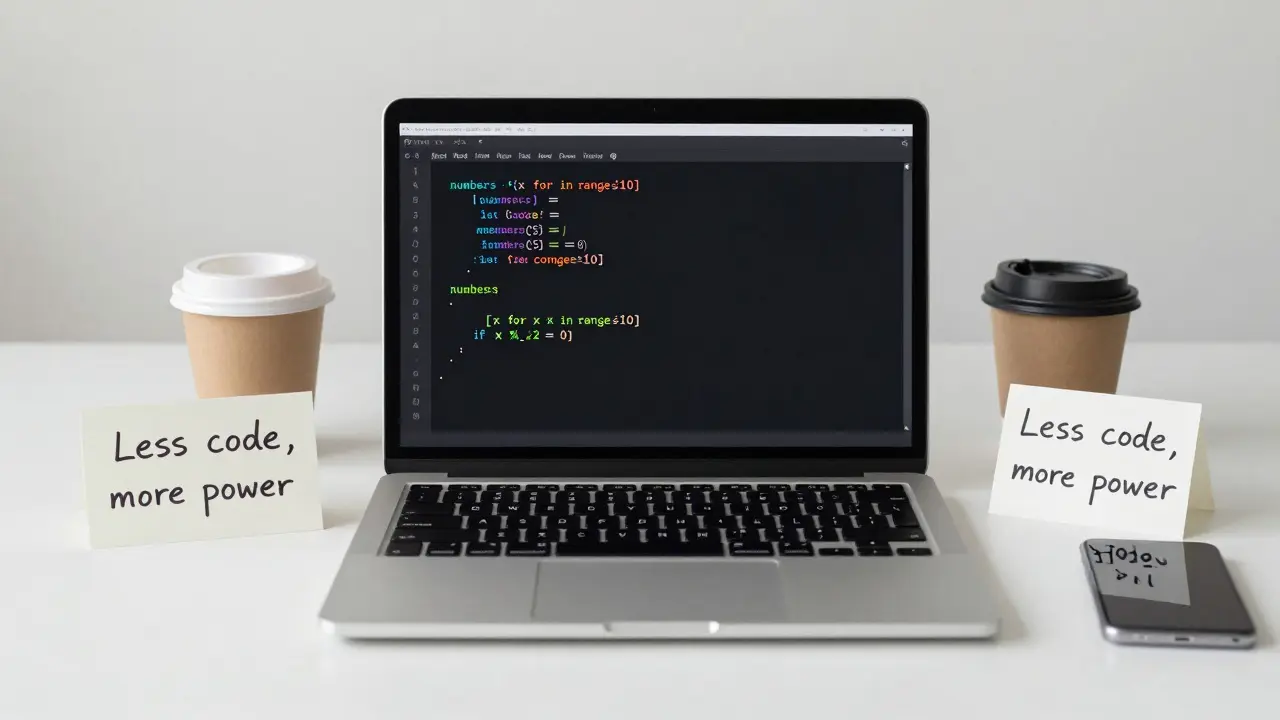
Take Python’s list comprehensions. Instead of:
- numbers = []
- for x in range(10):
- if x % 2 == 0:
- numbers.append(x)
Just write:
- numbers = [x for x in range(10) if x % 2 == 0]
It’s shorter, clearer, and runs faster. Same goes for JavaScript’s map(), filter(), and reduce(). These aren’t fancy tricks-they’re tools. Use them like a hammer, not a decoration.
Master Your Editor, Not Just the Language
Knowing Python or Java won’t help if you spend 20 minutes fixing a typo because you didn’t know how to jump to the end of a line. The fastest developers aren’t the ones who type the most-they’re the ones who use their tools like extensions of their hands.
Learn these three things in your editor:
- Multi-cursor editing (hold Ctrl+Alt and click multiple places to edit at once)
- Command palette shortcuts (Ctrl+Shift+P in VS Code, Cmd+Shift+P on Mac)
- Regex find-and-replace (yes, even if you think it’s scary)
One developer in Toronto replaced 800 lines of repetitive HTML with a single regex find-and-replace. It took him 90 seconds. He used to spend hours doing it manually. That’s the difference between typing and editing.
Use Comments Wisely-Or Not at All
Bad comment: “increment counter” above i++;
Good comment: “Reset counter after 5 failed attempts to avoid infinite loop”
The best code doesn’t need comments. If you have to explain what a function does, rename it. If you need to explain why it exists, add a commit message. Comments rot. Code doesn’t.
Instead of writing:
- // Check if user is admin
- if (user.role === 'admin') { ... }
Write:
- if (isAdmin(user)) { ... }
Now the code tells its own story. No explanation needed.
Break Problems Into Tiny Pieces
Trying to build a full authentication system from scratch? Don’t. Break it down:
- Can I validate an email format?
- Can I hash a password with a salt?
- Can I store and retrieve a user from the database?
- Can I verify a login attempt?
Solve each piece in isolation. Test each one. Then glue them together. This is how real developers work-not by writing 500 lines at once and hoping it works.
One developer in Calgary built a payment processor by writing just one test per function. He didn’t touch the frontend until all the backend functions passed. He shipped it in three days. Most teams take weeks.
Learn to Read Error Messages Like a Detective
Most beginners panic when they see a long error. They Google the whole thing. That’s like calling a mechanic because your car won’t start-and reading the whole manual out loud.
Look at the last line. It usually says what went wrong. The lines above? That’s the stack trace-your path back to the source.
Example:
TypeError: Cannot read property 'name' of undefined
That’s not a mystery. Something is undefined. Go to the line it mentions. Trace back: Who passed this object? Did you forget to check if it exists? Did you assume data would be there?
Fix the cause, not the symptom. And always test edge cases: empty arrays, null values, missing keys. They’re the real killers.
Automate the Boring Stuff
If you do it more than twice, automate it.
- Formatting code? Use Prettier or Black.
- Running tests? Set up a pre-commit hook with Husky.
- Deploying? Use GitHub Actions or a simple shell script.
One developer automated his entire local dev setup: one command installs Node, PostgreSQL, Redis, and starts the server. He used to spend 45 minutes setting up a new machine. Now it’s 12 seconds.
Automation isn’t about being fancy. It’s about not wasting your time on things a computer can do better.
Don’t Learn New Tools Just Because They’re Popular
Everyone’s talking about Next.js. Or SvelteKit. Or Rust. But if you’re still struggling with basic JavaScript scope, jumping into a new framework won’t help.
Master the fundamentals first: variables, functions, loops, async/await, DOM manipulation. These don’t change. Frameworks come and go. The core does not.
One developer spent six months learning React, then realized he didn’t understand how JavaScript events worked. He went back to vanilla JS. Six months later, he built a React app in two days-because he finally understood how it worked under the hood.

Code Review Is Your Secret Weapon
Don’t wait for a team lead to review your code. Review your own code before you push it.
Ask yourself:
- Would I understand this in six months?
- Is there a simpler way?
- What happens if this breaks?
Read your code out loud. If it sounds confusing, it is. If you catch yourself saying “I guess this works,” fix it.
Code reviews aren’t about perfection. They’re about catching the things you’re too close to see.
Build Something Real-Even If It’s Small
Tutorials are great. But they don’t teach you how to deal with real data, broken APIs, or users who click the wrong button.
Build a tool that solves your own problem. A script that auto-saves your clipboard history. A page that tracks your coffee intake. A bot that reminds you to stretch every hour.
One person in Edmonton built a simple script that auto-fills his job applications. It saved him 15 hours a week. He didn’t need to be a “senior developer.” He just needed to solve a real problem.
That’s the shortcut: stop learning. Start doing.
Stop Comparing Yourself to Others
You see someone on YouTube building an AI app in two days. You feel behind. But you don’t see the 10 years they spent coding before that video.
Progress isn’t linear. Some days you write 100 lines. Some days you fix one bug for three hours. Both count.
The goal isn’t to be the fastest. It’s to be consistent. Show up. Try. Fail. Learn. Repeat.
There’s no ultimate shortcut. But there are dozens of small ones. Use them. Stack them. Make them habits.
That’s how you get to coding success-not by chasing trends, but by mastering the basics, one smart line at a time.
Are programming tricks really useful, or just for experts?
They’re useful for everyone-even beginners. Tricks like using list comprehensions, automating repetitive tasks, or reading error messages aren’t advanced secrets. They’re basic skills that most people never learn. The difference isn’t talent. It’s awareness. Once you start using them, you’ll notice your code gets cleaner, faster, and easier to fix.
Do I need to memorize all these tricks to be good at coding?
No. You don’t need to memorize anything. You need to recognize patterns. When you see a loop that could be a map, you’ll start thinking, "Wait, can I simplify this?" That’s the skill. Tools like autocomplete, documentation, and Google exist for a reason. Use them. Focus on understanding why a trick works, not how to recall it.
What’s the most important programming trick for beginners?
Break problems into tiny pieces. Most beginners try to solve everything at once and get overwhelmed. Instead, ask: "What’s the smallest thing I can make work?" Get that working. Then add one more piece. Repeat. This method works for every project, no matter how big. It turns impossible tasks into manageable steps.
Can these tricks work in any programming language?
Yes. The core ideas-writing less code, automating repetition, reading errors, breaking problems down-are language-agnostic. A Python list comprehension is different from a JavaScript filter, but the principle is the same: use built-in tools to avoid writing loops manually. The tools change. The mindset doesn’t.
How long does it take to see results from using these tricks?
You’ll see results within hours. Try using a list comprehension instead of a loop. Notice how much cleaner your code looks. Run a formatter on your file. See how much faster you can fix formatting errors. These aren’t long-term upgrades. They’re immediate improvements. The real power comes when you stack them over weeks and months.
Is it better to learn new frameworks or master these tricks?
Master the tricks first. Frameworks are built on top of fundamentals. If you don’t understand how variables, functions, or async code work, a new framework will just confuse you more. Learn the core concepts, then use frameworks to speed up what you already know how to do. That’s how you become a developer-not a framework user.
What to do next
Don’t try to use all these tricks at once. Pick one. This week, focus on only one: read your error messages properly. Or automate one repetitive task. Or rewrite one function to remove a comment.
Track your progress. Notice how much less time you spend stuck. That’s the real shortcut.