

Most developers think success comes from memorizing syntax or knowing the latest framework. It doesn't. The real difference between a junior coder and a senior engineer isn't raw intelligence; it's a collection of subtle habits and mental models. These programming tricks are often invisible to outsiders but form the backbone of efficient software development. They turn chaotic codebases into maintainable systems and reduce hours of frustration into minutes of clarity.
You might have seen code that works but feels fragile. One small change breaks everything. Or you've spent days chasing a bug only to find it was a typo in a variable name. These aren't just bad luck. They're signs that specific programming practices were missing. Let’s look at the practical techniques that experienced coders use daily to stay ahead.
The Power of Naming Things Right
Imagine reading a function called processData(). What data? How is it processed? A better name might be calculateMonthlyRevenueFromCSV(). Yes, it’s longer. But it tells you exactly what happens inside. When you return to this code six months later, you won’t need to dig through logic to understand its purpose. You’ll know immediately.
Here’s a simple rule: if you can’t describe the intent of a variable without looking at its usage, rename it. Use nouns for objects and verbs for actions. Avoid abbreviations unless they’re universally understood (like id or url). This trick alone reduces cognitive load significantly, allowing you to focus on solving problems rather than deciphering your own work.
Defensive Programming: Assume Everything Will Fail
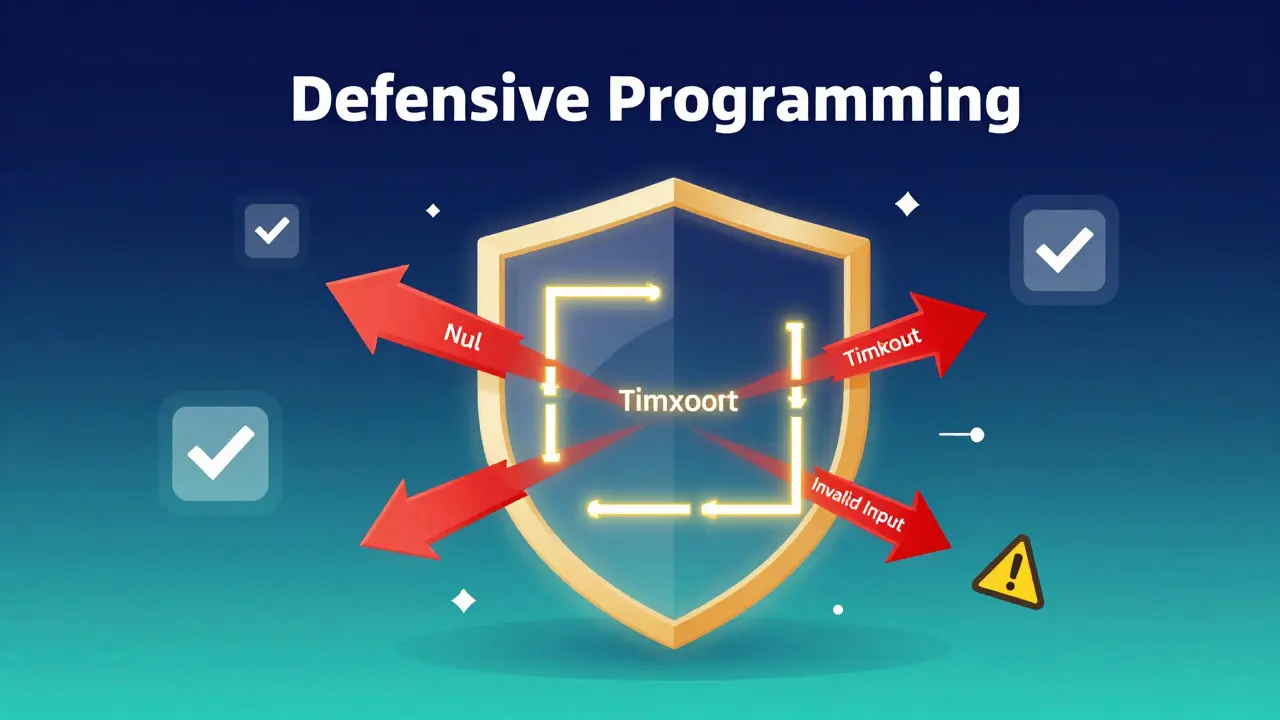
Optimism has no place in robust code. Defensive Programming is a strategy where code anticipates potential errors and handles them gracefully before they crash the system. Instead of assuming user input is valid, you validate it. Instead of trusting an API response, you check for nulls and timeouts.
- Validate inputs early: Check data types and ranges at the boundary of your application.
- Use optional types: In languages like TypeScript or Swift, use
Optionalor?to force handling of missing values. - Fail fast: If a critical condition isn’t met, throw an error immediately rather than letting the program continue with bad state.
For example, when fetching user data from a database, don’t just assume the query returns a result. Wrap it in a try-catch block or use pattern matching to handle the empty case. This prevents NullPointerExceptions and other runtime crashes that are painful to debug in production. By building these checks in, you create software that behaves predictably even under stress.
Refactoring: Clean Code as a Habit
Many developers wait until code is broken to fix it. That’s too late. Refactoring is the process of restructuring existing code without changing its external behavior to improve internal structure. Doing it incrementally keeps your codebase healthy.
Think of refactoring like cleaning your desk while working. You don’t wait until it’s buried under papers to tidy up. You put things back in their place as you go. Similarly, when you notice a function growing too long, break it down. When you see duplicated logic, extract it into a shared helper. This prevents "technical debt" from accumulating.
| Technique | When to Use | Benefit |
|---|---|---|
| Extract Method | Function exceeds 20 lines | Improves readability and testability |
| Rename Variable | Name is unclear or misleading | Reduces confusion and bugs |
| Remove Dead Code | Code is unreachable or unused | Reduces clutter and maintenance overhead |
| Replace Magic Numbers | Hardcoded values appear repeatedly | Increases flexibility and clarity |
The key is to make small changes frequently. Large refactors are risky and time-consuming. Small ones are safe and sustainable. Over time, this habit transforms messy scripts into elegant, modular systems that are easy to extend and debug.
Debugging Strategies: Find Bugs Faster
Everyone hates debugging. But successful coders treat it as a detective game, not a punishment. Binary Search Debugging is a method of isolating bugs by repeatedly dividing the codebase in half to narrow down the source of the issue. It’s one of the fastest ways to locate errors.
Instead of reading every line of code, start by commenting out half of the suspect area. If the bug disappears, the problem is in the commented part. If it persists, it’s in the remaining half. Repeat this process until you isolate the exact line causing the issue. This approach cuts search time dramatically compared to linear scanning.
Another powerful trick is rubber duck debugging. Explain your code line-by-line to an inanimate object (or a patient colleague). Often, the act of verbalizing the logic reveals the flaw. You might say, "This loop should iterate over the list... oh wait, I’m modifying the list while iterating." Suddenly, the bug becomes obvious. Don’t underestimate the power of slowing down and articulating your thought process.

Leveraging Automation and Tooling
Your brain is for thinking, not for remembering formatting rules or running repetitive tests. Automated Testing is the practice of writing code that automatically verifies other code behaves correctly. Tools like linters, formatters, and CI/CD pipelines enforce consistency and catch errors before they reach users.
Set up a linter (like ESLint for JavaScript or Pylint for Python) to run on every save. It will flag unused variables, inconsistent indentation, and potential security issues instantly. Configure a formatter (like Prettier) to auto-format your code. This eliminates debates about style and lets you focus on logic.
Write unit tests for critical paths. Even a few tests covering edge cases can prevent regressions. When you refactor code, run the tests first. If they pass, you haven’t broken anything. If they fail, you know exactly what changed. This safety net gives you confidence to experiment and improve your code without fear.
Understanding Memory and Performance
Efficiency matters. While modern machines are powerful, inefficient code still causes slowdowns, high costs, and poor user experiences. Big O Notation is a mathematical notation describing the efficiency of algorithms in terms of time and space complexity. Understanding it helps you choose the right data structures and algorithms.
For instance, searching for an item in an array takes O(n) time because you might need to check every element. Searching in a hash map takes O(1) time on average. If you’re processing millions of records, that difference is huge. Always ask: "Is there a faster way to do this?"
Also, be mindful of memory leaks. In languages with garbage collection (like Java or Python), ensure you’re not holding references to large objects unnecessarily. In lower-level languages (like C++), manage memory explicitly. Profiling tools can help identify bottlenecks. Fixing performance issues early is much cheaper than doing it after launch.
What are the most important programming tricks for beginners?
Focus on naming conventions, defensive programming, and learning how to read error messages. These three skills will save you more time than any complex algorithm. Start by writing clear variable names and validating all user inputs. Practice debugging by breaking problems into smaller parts.
How often should I refactor my code?
Refactor continuously. Make small improvements whenever you touch code. Don’t wait for a dedicated "refactoring sprint." If you see duplication, remove it. If a function is too long, split it. This keeps technical debt low and makes future changes easier.
Is binary search debugging really effective?
Yes, especially for large codebases. It drastically reduces the number of places you need to check. Combine it with logging statements to track variable states. It’s much faster than reading through hundreds of lines manually.
Do I need to write unit tests for every function?
Not necessarily. Focus on critical business logic and edge cases. Utility functions and simple getters/setters may not need tests. Prioritize areas where bugs would cause significant damage or where changes are frequent.
How can I improve my code performance?
First, profile your code to find bottlenecks. Then, optimize those specific areas. Use efficient data structures (hash maps instead of arrays for lookups). Avoid unnecessary loops and memory allocations. Remember, premature optimization is harmful-measure first.