

Most developers don’t fail because they can’t code. They fail because they code too slowly. Not because they’re dumb. Not because they lack talent. But because they’re stuck in habits that waste hours every week-reinventing the wheel, debugging the same mistakes, or drowning in context switches. If you want to get ahead in tech, you don’t need to learn ten new languages. You need to program faster.
Stop Writing Code From Scratch
Every time you start a project from zero, you’re paying a tax you don’t have to. Open source libraries, frameworks, and templates exist for a reason. They’ve been tested, optimized, and debugged by thousands of developers before you. Using them isn’t cheating. It’s strategy.Take Python developers building web apps. Instead of writing their own routing system, they use Flask or FastAPI. Why? Because those tools handle authentication, URL mapping, and error handling out of the box. The same goes for JavaScript devs using React or Vue instead of raw DOM manipulation. You’re not saving time-you’re saving mental energy. And that’s what lets you focus on what actually matters: solving the business problem.
A 2024 survey of 5,000 professional developers found that those who reused at least 60% of their code from existing sources shipped features 47% faster than those who wrote everything themselves. The difference wasn’t skill-it was discipline.
Master Your Editor
Your editor isn’t just a text box. It’s your primary tool. And like any tool, the better you know it, the more powerful it becomes.Most developers use their IDE like a word processor: click, type, scroll, repeat. But that’s like driving a Ferrari with one foot on the brake. Learn keyboard shortcuts. Set up snippets. Customize your autocomplete. Use multi-cursor editing. Jump between files with Ctrl+P (or Cmd+P on Mac). Automate repetitive tasks with macros.
One developer in Austin cut his daily debugging time by 30 minutes just by learning how to use VS Code’s integrated terminal and debugger together. He didn’t buy a new laptop. He didn’t take a course. He just spent one afternoon mapping out the shortcuts he used most. That’s 2.5 hours saved every week. Over a year? That’s 130 hours-almost four full workweeks.
Break Problems Into Tiny Pieces
Big problems feel overwhelming. That’s why people procrastinate. The trick isn’t to tackle the whole thing at once. It’s to break it down until each piece is so small it’s almost silly.Let’s say you need to build a login system. Instead of thinking, “I need to make a login page,” break it into:
- Display a form with email and password fields
- Validate the email format
- Check if the user exists in the database
- Compare the password hash
- Generate a session token
- Redirect to the dashboard
Now each step takes 10-15 minutes. You can test each one independently. You won’t get stuck because you’re not trying to solve seven problems at once. And if something breaks? You know exactly where.
This is called the “divide and conquer” method. It’s not new. But most developers skip it because they think they’re being efficient by jumping straight to the solution. They’re not. They’re just setting themselves up for a 3-hour debugging session later.
Write Tests Before You Write Code
Testing isn’t optional. It’s a time-saver. Writing tests after code feels like an extra step. Writing them before? That’s how you avoid writing bad code in the first place.When you write a test first, you force yourself to think about the input, the output, and the edge cases. What happens if the email is empty? What if the password is 1000 characters? What if the server is down?
One team at a SaaS startup in Austin switched to test-driven development (TDD) for their backend services. Their bug rate dropped by 62% in three months. Their deployment frequency doubled. Why? Because they stopped spending half their time fixing things that should’ve never made it to production.
You don’t need fancy tools. Start with simple assertions. In Python, use assert. In JavaScript, use expect() from Jest. Run your tests every time you save. Make it automatic. The time you spend writing tests now saves you hours later.
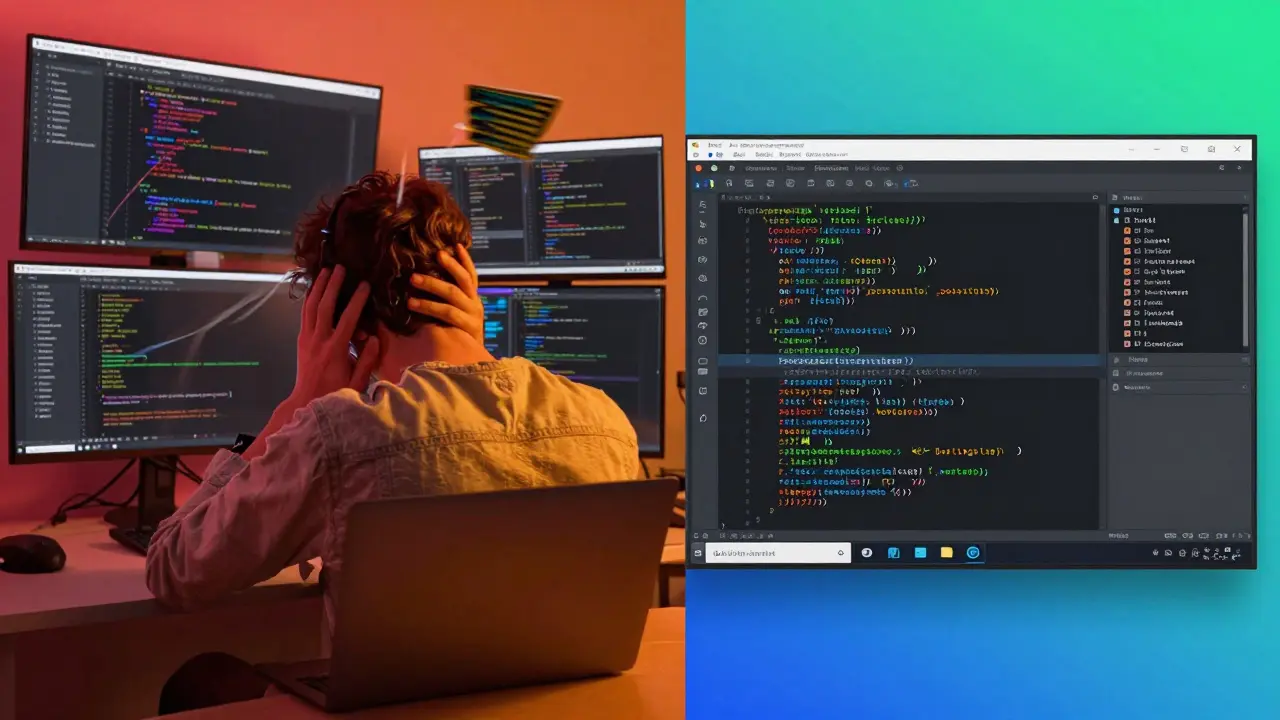
Limit Context Switching
Your brain isn’t built to juggle tasks. Every time you switch from coding to Slack to a Zoom call to checking email, you lose focus. Studies show it takes an average of 23 minutes to get back into deep work after an interruption.Most developers think they’re being productive by multitasking. They’re not. They’re just tired.
Try this: Block out 90-minute chunks in your calendar. Turn off notifications. Close your email tab. Put your phone in another room. Work on one thing until it’s done. No exceptions.
At the end of the day, you’ll have less to show-but it’ll be better. And you’ll have energy left for the next day.
Use Version Control Like a Pro
Git isn’t just for sharing code. It’s your safety net. And most developers use it wrong.Committing every 20 minutes isn’t excessive. It’s smart. Small, frequent commits let you roll back easily. They make code reviews cleaner. They help you remember what you were thinking when you wrote that line six weeks ago.
Write clear commit messages. Not “fixed bug.” Say “fixed login timeout after 15 mins by resetting session on password change.” That’s not just for others. That’s for you, six months from now, when you’re trying to fix the same issue again.
Use branches. Always. Don’t push to main unless it’s tested and working. Use feature branches for every new task. Merge only when the PR is approved and the tests pass. This isn’t bureaucracy. It’s insurance.
Learn to Say No
The fastest developers aren’t the ones who do the most. They’re the ones who do the least-*but do it right*.Saying yes to every request, every feature, every “quick tweak” is how burnout happens. It’s also how technical debt piles up. Every extra line of code you write adds complexity. Every new dependency adds risk.
Before you start coding, ask: “Is this necessary?” “Will this actually help the user?” “Can we solve this another way?” Often, the answer is no. And that’s okay.
One senior engineer at a fintech startup refused to add a new analytics dashboard because the data wasn’t being used. The team pushed back. He stood his ground. Six months later, they found the dashboard was never opened. The feature was scrapped. No code was written. No time was wasted. That’s programming faster.

Build a Personal Toolkit
The best developers don’t just know how to code. They know how to automate their own workflow.Build a collection of scripts, templates, and tools you reuse across projects:
- A boilerplate for new Node.js apps
- A Python script that auto-generates API documentation
- A Dockerfile template for backend services
- A set of Postman collections for common API calls
- A shell alias that runs tests and linting in one command
These aren’t fancy. They’re simple. But they add up. One developer in Austin saved 12 hours a month just by having a single script that set up his entire development environment with one command.
Start small. Add one reusable thing this week. Then another next week. In six months, you’ll be 50 hours ahead of the people still doing everything manually.
Measure What Matters
You can’t improve what you don’t measure. But most developers track the wrong things.Don’t track lines of code. Don’t track hours worked. Track:
- Time from idea to deployment
- Number of bugs reported per release
- Time spent in meetings vs. coding
- How often you’re interrupted
Use a simple spreadsheet or a free tool like Clockify. Record your time for one week. You’ll be shocked. You might find you spend 15 hours a week on Zoom calls that could’ve been emails. Or that 40% of your coding time is spent debugging the same type of error.
Once you know where your time goes, you can fix it.
Can I really program faster without sacrificing code quality?
Yes-by doing less, not more. Writing fewer lines of code, reusing tested components, automating repetitive tasks, and testing early all lead to higher-quality code that ships faster. Speed and quality aren’t opposites. Poor speed is usually the result of poor process, not good code.
What’s the biggest mistake developers make when trying to code faster?
Trying to do everything at once. The fastest developers don’t rush. They simplify. They break problems into tiny steps, reuse what already works, and avoid unnecessary features. Speed comes from clarity, not hustle.
Do I need to learn new languages to program faster?
Not necessarily. Most developers waste time because they don’t master the tools they already use. Learning a new language won’t help if you’re still writing the same inefficient code. Focus on improving your workflow, debugging skills, and code reuse before adding new languages to your stack.
How long does it take to see results from these tips?
You’ll notice small improvements within days-like fewer context switches or faster debugging. Real gains-like shipping features 30-50% faster-show up after 4-6 weeks of consistent practice. It’s not magic. It’s habit.
Is programming faster just for senior developers?
No. Junior developers benefit the most. They’re the ones still learning how to avoid common pitfalls. By adopting these habits early, they skip years of slow progress. Speed isn’t about experience. It’s about awareness.
Next Steps
Start tomorrow. Pick one thing from this list:- Set up one code snippet in your editor
- Write a test before your next feature
- Block two 90-minute focus sessions this week
- Break your next task into five tiny steps
- Review your last week’s time log
Don’t try to do all of them. Just pick one. Do it. Then pick another next week. In six months, you won’t recognize the developer you were.