
PHP isn’t dead. It’s still running over 75% of all websites that use a server-side language, including massive platforms like WordPress, Wikipedia, and Facebook’s early infrastructure. If you’re building a website today and you’re not using PHP, you’re probably using something built on top of it. The truth is, PHP doesn’t need flashy frameworks to be powerful-it just needs smart, clean code. Here are the real PHP tricks that separate good developers from great ones.
Use Type Declarations Like You Mean It
PHP 7 introduced scalar type declarations and return types. If you’re still writing functions without them, you’re leaving bugs in plain sight. For example:
function calculateTotal(float $price, int $quantity): float {
    return $price * $quantity;
}
This isn’t just about being fancy. It catches errors before they hit production. Without type hints, passing a string like "10.99" instead of 10.99 might work-until someone sends "ten-point-nine-nine" and your app crashes. Type declarations make your code self-documenting and predictable. PHP 8 added union types and mixed, so you can now write:
function processUser(string|int $id): User|null {
    // handles both database IDs and user names
}
It’s not optional anymore. If you’re writing new PHP code in 2026, you’re not just writing logic-you’re writing contracts.
Stop Using $_GET and $_POST Directly
Raw superglobals are a security hole waiting to happen. You don’t need to be a hacker to break something. A user typing a malformed URL can crash your app or expose sensitive data. Instead, always filter and validate input. Use PHP’s built-in filter functions:
$email = filter_input(INPUT_POST, 'email', FILTER_VALIDATE_EMAIL);
$age = filter_input(INPUT_POST, 'age', FILTER_VALIDATE_INT, [
    'options' => ['min_range' => 1, 'max_range' => 120]
]);

if (!$email || !$age) {
    throw new InvalidArgumentException('Invalid input');
}
This isn’t just safer-it’s faster. The filter extension is written in C and optimized. Writing your own regex for email validation? That’s 2012 thinking. PHP has had reliable input filtering for over a decade. Use it.
Always Use Prepared Statements
SQL injection isn’t a myth. It’s the #1 cause of data breaches in legacy PHP apps. If you’re still writing queries like this:
$query = "SELECT * FROM users WHERE id = " . $_GET['id'];
$result = mysqli_query($conn, $query);
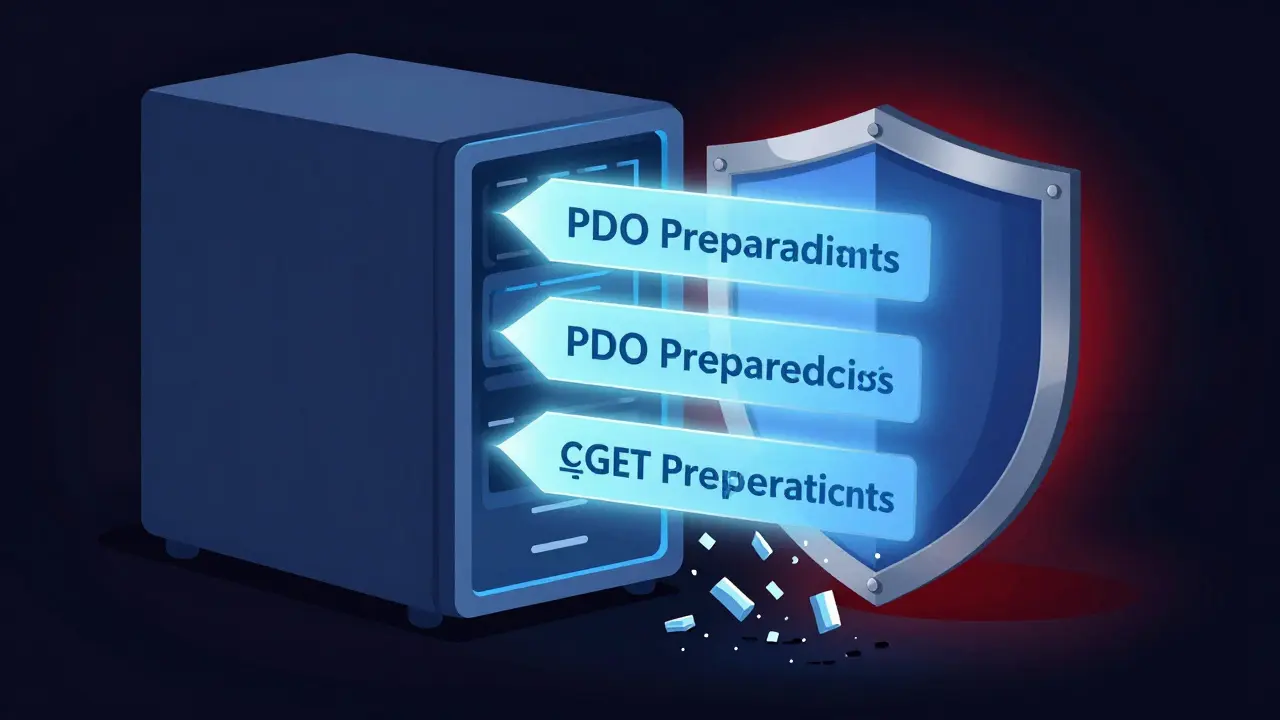
You’re not just risking your data-you’re risking your job. Switch to PDO or MySQLi with prepared statements:
$stmt = $pdo->prepare("SELECT * FROM users WHERE id = ?");
$stmt->execute([$_GET['id']]);
$user = $stmt->fetch();
It’s not harder. It’s actually cleaner. And if you’re using a framework like Laravel or Symfony, you’re already doing this. But if you’re writing raw PHP, you owe it to yourself to learn this one trick. It’s the difference between a working site and a breached server.
Cache What You Can-Even If It’s Just a Few Seconds
PHP is slow. Not because it’s bad, but because it’s interpreted. Every request starts from scratch. That’s why caching matters more in PHP than in compiled languages. You don’t need Redis or Memcached to start. Use PHP’s built-in OPcache.
Check if it’s enabled:
php -m | grep opcacheIf it’s not in your php.ini, add these lines:
opcache.enable=1
opcache.memory_consumption=128
opcache.max_accelerated_files=4000
opcache.revalidate_freq=60
Restart your web server. Now your PHP files are compiled once and reused. That’s a 30-50% speed boost on average. For dynamic content, cache the output:
$cacheFile = 'cache/homepage.html';
if (file_exists($cacheFile) && (time() - filemtime($cacheFile) < 300)) {
    readfile($cacheFile);
    exit;
}

// Generate page content here
$html = generateHomepage();
file_put_contents($cacheFile, $html);
echo $html;
Five minutes of caching can cut your server load in half. No fancy tools. Just PHP and a file.
Use Composer-Even for Small Projects
You don’t need to be a full-stack developer to use Composer. It’s not just for frameworks. It’s for managing dependencies. Want to send emails? Use Swiftmailer. Generate PDFs? Use TCPDF. Handle dates? Use Carbon. These aren’t luxuries-they’re time-savers.
Before Composer, you’d download a library, copy files into your project, hope they didn’t conflict, and pray they worked. Now you run:
composer require carbon/carbonAnd you get:
use Carbon\Carbon;

echo Carbon::now()->addDays(7)->format('Y-m-d');
That’s one line. No downloading. No manual updates. No version conflicts. Composer handles autoloading, dependencies, and updates. Even if your project is just three files, use it. It’s the standard for a reason.
Write Tests-Even One
Testing sounds scary. But you don’t need to write 50 tests. Start with one. Pick a function that calculates something-like a discount or tax. Write a test for it.
// tests/DiscountTest.php
use PHPUnit\Framework\TestCase;

class DiscountTest extends TestCase {
    public function testApplies10PercentDiscount() {
        $discount = new Discount();
        $this->assertEquals(90, $discount->apply(100, 10));
    }
}
Run it with:
vendor/bin/phpunit tests/DiscountTest.phpIf it passes, you just proved your code works. If you change it later and it breaks? You’ll know immediately. No more guessing. No more “it worked yesterday.” Testing isn’t for big teams. It’s for anyone who doesn’t want to fix the same bug twice.
Don’t Use echo for Debugging
Every PHP developer has done it: dumped a variable with echo or var_dump to see what’s going on. Then forgot to remove it. And now your production site shows raw arrays to every visitor.
Use a real logger:
use Monolog\Logger;
use Monolog\Handler\StreamHandler;

$log = new Logger('app');
$log->pushHandler(new StreamHandler('logs/app.log', Logger::DEBUG));

$log->debug('User ID: ' . $userId);
$log->info('Payment processed for $' . $amount);
Monolog is a Composer package. It’s lightweight. It’s standard. It writes to a file, not the browser. You can even send logs to external services like Loggly or Papertrail. But even just writing to a file in your project folder is better than echo.
And if you’re using PHP 8.1+, you can use dump() in development mode. It’s safe, colorful, and doesn’t break your HTML layout.
Keep Your PHP Version Updated
PHP 7.4 reached end-of-life in 2022. PHP 8.0 ended in 2023. PHP 8.1 ends in 2024. PHP 8.2 ends in 2025. That means by early 2026, the only supported versions are PHP 8.3 and 8.4.
Old versions don’t just lack features-they have unpatched security holes. The PHP team fixes bugs fast. If you’re on PHP 7.4, you’re running software that hasn’t received a security update in over two years. That’s not a risk. That’s negligence.
Check your version:
php -vUpdate your server. Upgrade your hosting plan if needed. PHP 8.3 is 25% faster than PHP 7.4. It has named parameters, readonly classes, and match expressions. You’re not just staying secure-you’re getting better performance for free.
PHP Isn’t Fancy. But It’s Reliable.
PHP doesn’t need to be the coolest language. It doesn’t need to run AI models or power mobile apps. It just needs to deliver web pages-fast, safely, and without crashing. And with these tricks, it does that better than most.
Use type hints. Filter input. Use prepared statements. Cache output. Use Composer. Write one test. Stop echo’ing. Stay updated. That’s it. No frameworks required. No magic. Just solid, practical habits.
If you’re building a website in 2026 and you’re still doing PHP the old way, you’re not being traditional-you’re being risky. These tricks aren’t optional. They’re the baseline. And if you’re not doing them, you’re not just writing code-you’re writing future problems.
Are PHP tricks still relevant in 2026?
Yes. PHP powers over 75% of websites with server-side code, including WordPress, which runs 43% of all websites. Modern PHP (8.3+) is fast, secure, and well-supported. The tricks aren’t about hacks-they’re about using PHP correctly. Type hints, prepared statements, and caching aren’t optional-they’re industry standards.
Should I learn PHP or switch to Node.js or Python?
It depends on your goal. If you’re maintaining or building WordPress sites, e-commerce stores, or legacy enterprise apps, PHP is still the best choice. If you’re building real-time apps or full-stack JavaScript apps, Node.js makes sense. Python is great for data-heavy apps. But PHP isn’t dying-it’s evolving. You don’t need to abandon it. Just upgrade it.
Is PHP slow compared to other languages?
PHP used to be slow, but PHP 8.3 is up to 25% faster than PHP 7.4 and rivals Node.js in raw request speed for web apps. The real bottleneck isn’t PHP-it’s poor code. Unoptimized queries, no caching, and excessive file I/O slow things down. With OPcache, prepared statements, and proper architecture, PHP handles thousands of requests per second on modest hardware.
Can I use PHP without a framework?
Absolutely. Many high-traffic sites, including parts of Wikipedia and Etsy’s legacy systems, run on raw PHP. Frameworks help with structure and speed, but they’re not required. The key is following best practices: use Composer, type hints, logging, and caching. You can build a secure, scalable site in plain PHP if you avoid common pitfalls.
What’s the biggest mistake PHP developers make today?
Sticking with outdated PHP versions. Running PHP 7.4 or 8.0 in 2026 is like driving a car without airbags. You might not crash, but if you do, the consequences are severe. The second biggest mistake? Not validating input. Raw $_POST and $_GET values are the #1 cause of security breaches in PHP apps. Always filter. Always validate. Always use prepared statements.