
You stare at a blank screen. The cursor blinks. You know you want to build something-maybe a website, an app, or just automate a boring task-but the wall of technical jargon feels impenetrable. It’s not that coding is magic. It’s that most guides skip the messy middle part where beginners actually learn. They tell you to "learn Python" but don’t explain how to think like a programmer.
Mastering coding skills isn’t about memorizing syntax. It’s about building a mental model for solving problems with logic. If you start today, you can go from zero to building functional projects in three to six months. This guide cuts through the noise and gives you a concrete path forward.
The Mindset Shift: Logic Over Syntax
Before you type a single line of code, you need to understand what programming actually is. At its core, coding is giving instructions to a machine. Computers are incredibly fast but stupidly literal. If you say "turn left," they turn left. If you say "turn left" when there’s a wall, they hit the wall. Your job as a coder is to anticipate every possible scenario and write rules that handle them.
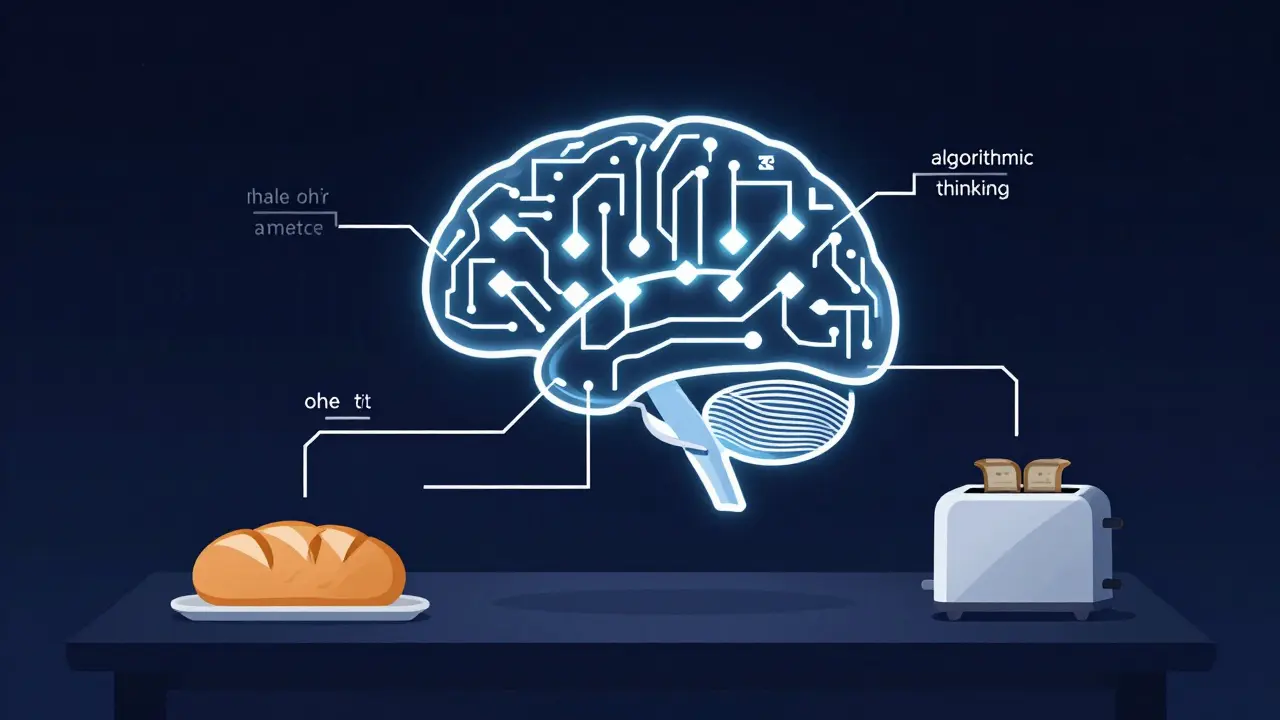
This requires a shift from creative thinking to logical decomposition. When you face a problem, break it down into tiny, manageable steps. This process is called algorithmic thinking. For example, if you want to make toast, the algorithm isn’t just "make toast." It’s: check if bread exists, insert bread, set timer, wait, remove bread. In code, this translates to variables (bread), functions (insert_bread), and conditionals (if bread is burnt).
Don’t worry about which language to pick yet. The logic remains the same whether you use JavaScript, Python, or C++. Focus on understanding control flow: loops (doing things repeatedly) and conditionals (making decisions). These two concepts make up 80% of all software behavior.
Choosing Your First Language: The 2026 Landscape
Picking your first programming language is like picking your first car. You don’t need a Ferrari; you need something reliable that teaches you how to drive. In 2026, three languages dominate the beginner space, each with different strengths.
| Language | Best For | Learning Curve | Job Market Demand |
|---|---|---|---|
| Python | Data science, AI, backend scripts | Low (reads like English) | Very High |
| JavaScript | Websites, interactive apps, full-stack | Medium (quirky but essential) | Extremely High |
| HTML/CSS | Web structure and design | Very Low (not true programming) | High (for web roles) |
If you want to see visual results quickly, start with HTML and CSS. They aren’t technically programming languages-they’re markup and styling languages-but they teach you how the web works. Pair this with JavaScript, and you can build interactive websites. JavaScript runs in every browser, making it the most accessible entry point.
If you’re interested in data, artificial intelligence, or automation, choose Python. Its syntax is clean and readable, reducing the friction of learning basic concepts. Libraries like Pandas and TensorFlow have made Python the standard for data work. By 2026, AI-assisted coding tools have made Python even more powerful, allowing beginners to prototype complex ideas faster.
Setting Up Your Environment Without the Headache
One of the biggest hurdles for beginners is setting up their development environment. Installing compilers, configuring paths, and dealing with version conflicts can kill motivation before you’ve written your first loop. Keep it simple.
Start with a code editor. Visual Studio Code (VS Code) is the industry standard. It’s free, lightweight, and has extensions for almost every language. Download it, install the extension for your chosen language (e.g., Python or JavaScript), and you’re ready. Avoid heavy Integrated Development Environments (IDEs) like IntelliJ or Eclipse until you understand why you need them. They add complexity you don’t need yet.
Next, learn the command line. It looks scary-a black screen with white text-but it’s just another way to talk to your computer. You don’t need to memorize every command. Learn these five:
lsordir: List files in a folder.cd: Change directory (move between folders).mkdir: Make a new directory.touchornew-item: Create a new file.git init: Initialize a version control repository.
Version control is non-negotiable. Git is the tool that tracks changes in your code. Think of it as a save point in a video game. If you break your code, you can roll back to a previous state. Create a GitHub account. It’s where developers store their code and showcase their portfolios. Pushing your first commit to GitHub is a major milestone.

The Learning Loop: Build, Break, Fix
Watching tutorials is passive. Building is active. You cannot learn to code by watching someone else code. You must write it yourself. This is the "tutorial hell" trap: you follow along perfectly, but when you open a blank file, you freeze.
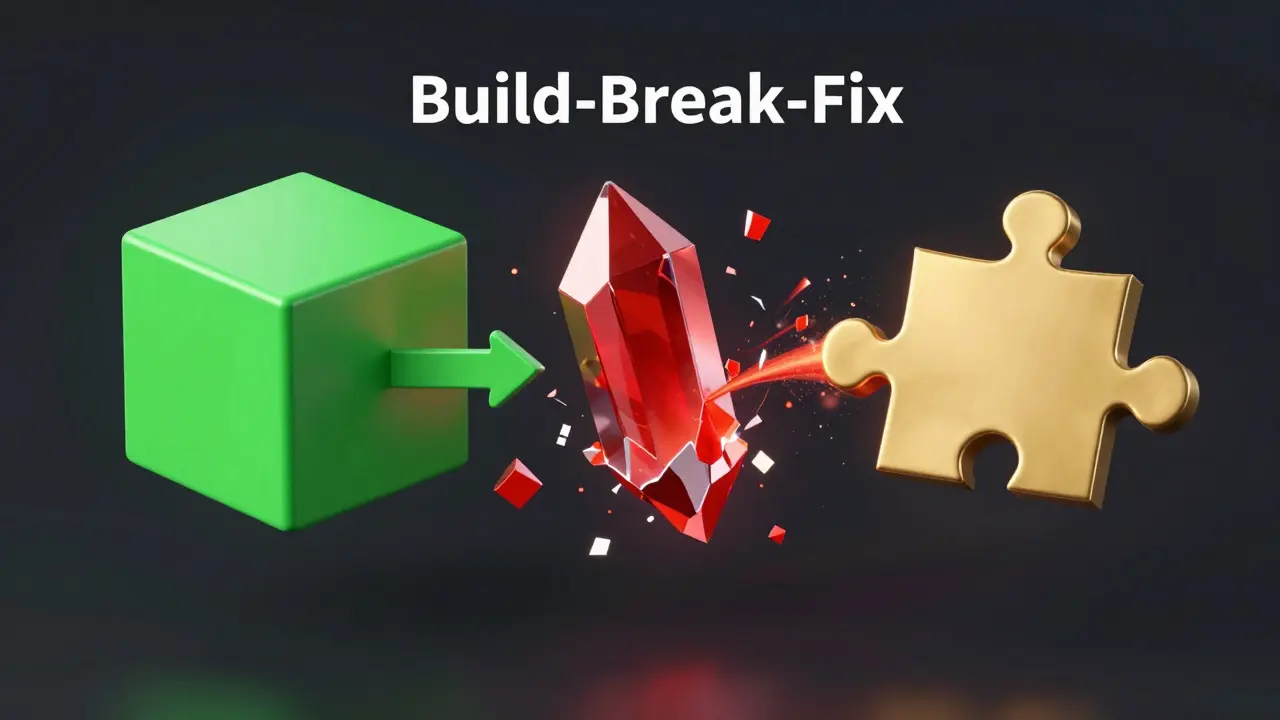
To escape tutorial hell, adopt the "Build-Break-Fix" cycle. Start with a small project. A calculator, a to-do list, or a weather app. Build it using a tutorial. Once it works, break it intentionally. Remove a variable. Change a function name. See what error messages appear. Then, fix it without looking at the tutorial.
Error messages are your friends. They tell you exactly what went wrong. Read them carefully. "TypeError: undefined is not a function" means you tried to use something that doesn’t exist. "SyntaxError: missing )" means you forgot a parenthesis. Copy-pasting errors into search engines or AI assistants is a valid strategy, but try to understand the root cause before accepting the fix.
Debugging is 50% of coding. Use console logs (console.log() in JavaScript or print() in Python) to track the flow of your program. Print out variables at different stages to see if they hold the values you expect. This technique, called print debugging, is still used by senior engineers because it’s fast and effective.
Project Ideas That Teach Real Skills
Projects should increase in complexity. Don’t jump into building the next Facebook. Start small and iterate. Here’s a progression path:
- Static Website: A personal portfolio with HTML and CSS. Learn layout, colors, and fonts.
- Interactive Page: Add JavaScript to change content on click. Learn DOM manipulation.
- API Consumer: Fetch data from a public API (like weather or movie data) and display it. Learn asynchronous programming.
- Simple Game: Tic-tac-toe or Snake. Learn state management and game loops.
- Full-Stack App: A blog with user login. Learn databases and authentication.
Each project introduces new concepts. The static website teaches structure. The interactive page teaches logic. The API consumer teaches data handling. The game teaches state. The full-stack app teaches architecture. By completing these five projects, you’ll have touched every major area of web development.
Document your progress. Write a README file for each project explaining what it does, how to run it, and what you learned. This builds your portfolio and helps you reflect on your growth.
Avoiding Common Pitfalls
Beginners often fall into traps that slow down their progress. Recognizing these early saves months of frustration.
Perfectionism: Your first code will be ugly. That’s okay. Clean code comes with experience. Focus on functionality first, then refactor. Refactoring is the process of improving code structure without changing its behavior. It’s a skill you develop over time.
Context Switching: Don’t try to learn Python, JavaScript, and React simultaneously. Pick one stack and stick with it for at least three months. Depth beats breadth in the beginning. Once you understand the fundamentals, learning new languages becomes easier because the concepts transfer.
Ignoring Basics: Jumping straight into frameworks like React or Django without understanding vanilla JavaScript or Python is like building a house on sand. Frameworks solve specific problems, but they rely on core language features. Master the basics first.
Isolation: Coding can be lonely. Join communities. Reddit’s r/learnprogramming, Discord servers, or local meetups provide support and feedback. Asking questions publicly forces you to articulate your problem clearly, which often leads to self-discovery.
Staying Consistent: The Habit Factor
Coding is a skill, not knowledge. You don’t "know" it; you "do" it. Consistency matters more than intensity. Coding for 30 minutes every day is better than coding for 10 hours once a week. Muscle memory and pattern recognition build through repetition.
Create a routine. Dedicate a specific time each day to coding. Morning coffee? Nighttime wind-down? Block it out. Use tools like LeetCode or Codewars for short, daily puzzles. These platforms offer bite-sized challenges that keep your brain sharp without overwhelming you.
Track your streaks. Apps like Streaks or Habitica gamify consistency. Seeing a chain of days motivates you to keep going. Missing one day is fine; missing two breaks the habit. Forgive yourself and restart immediately.
Next Steps After the Basics
Once you’ve built a few projects and feel comfortable with the basics, look outward. Explore specializations. Frontend development focuses on user interfaces. Backend development handles server logic and databases. Data science analyzes information. Mobile development creates apps for phones.
Read other people’s code. GitHub is full of open-source projects. Clone a repository and trace through the code. See how experienced developers structure their files, name their variables, and handle errors. This exposes you to best practices and different coding styles.
Contribute to open source. Start with documentation fixes or small bug patches. It’s a low-risk way to gain real-world experience and collaborate with others. It also adds credibility to your resume.
Finally, never stop learning. Technology evolves rapidly. New frameworks emerge, old ones fade. Stay curious. Follow tech blogs, listen to podcasts, and attend conferences. The goal isn’t to know everything; it’s to know how to find answers.
How long does it take to learn coding?
It depends on your goals. To build simple websites, you might need 3-6 months of consistent practice. To become job-ready for a junior developer role, expect 6-12 months of dedicated study and project building. Mastery is a lifelong journey, but functional proficiency is achievable within a year.
Do I need a degree to be a programmer?
No. Many successful developers are self-taught or attended bootcamps. Employers care more about your portfolio and problem-solving skills than your diploma. However, a CS degree provides deeper theoretical foundations, which can help in advanced roles or large corporations.
What is the easiest programming language for beginners?
Python is widely considered the easiest due to its readable syntax. JavaScript is also a strong contender because it runs directly in browsers, providing immediate visual feedback. HTML/CSS are even simpler but are not true programming languages.
How do I get unstuck when coding?
First, take a break. Walk away from the screen. Second, read the error message carefully. Third, simplify the problem by isolating the broken part. Fourth, ask for help on forums like Stack Overflow, providing clear context and code snippets. Finally, use AI assistants to explain concepts, but verify their suggestions.
Should I learn algorithms and data structures?
Yes, eventually. While not strictly necessary for simple web projects, understanding algorithms and data structures is crucial for writing efficient code and passing technical interviews at top companies. Start with basics like arrays, loops, and sorting after you’re comfortable with syntax.